



Widget Options – Advanced Conditional Visibility for Gutenberg Blocks & Classic Widgets
Description
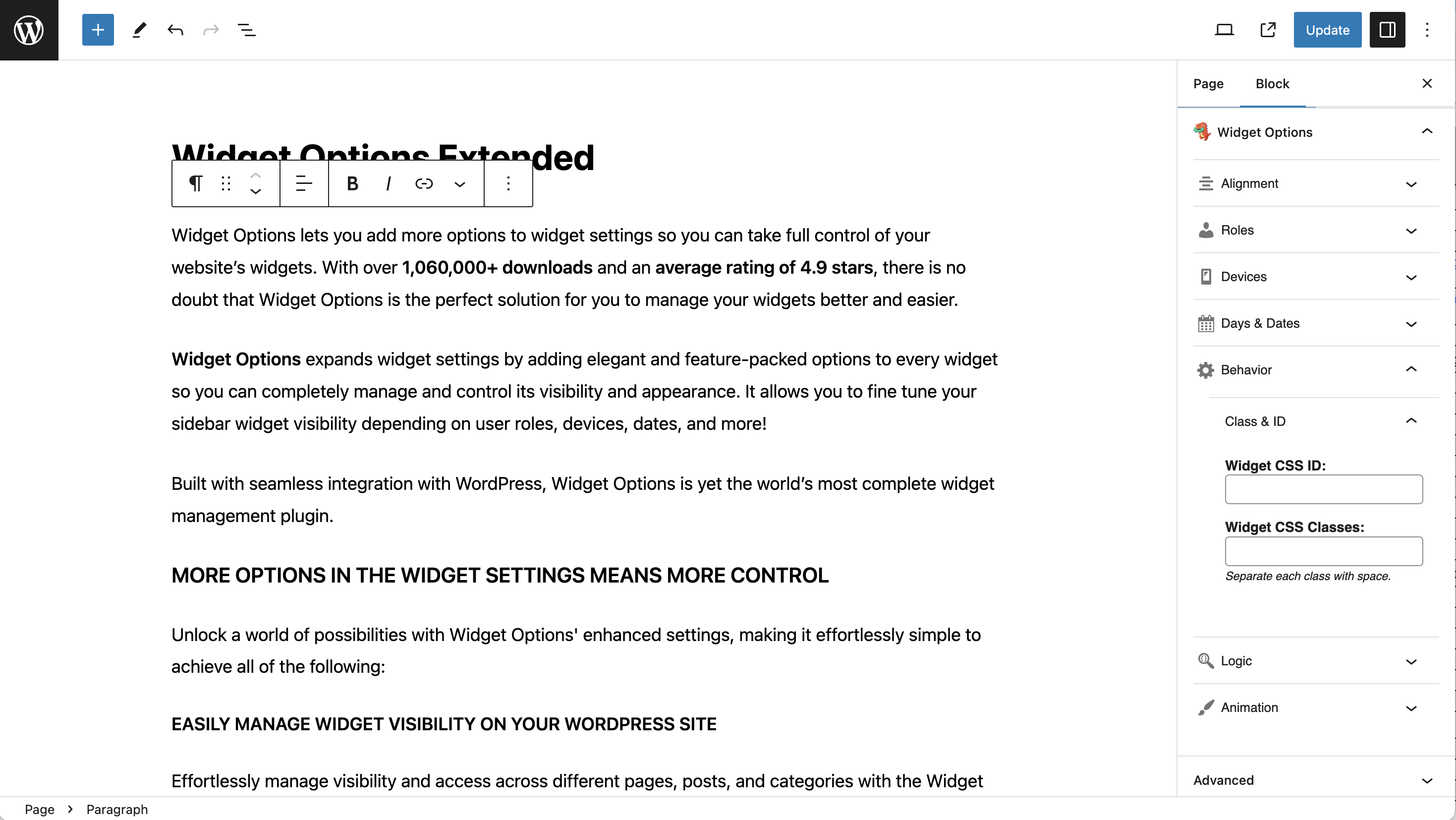
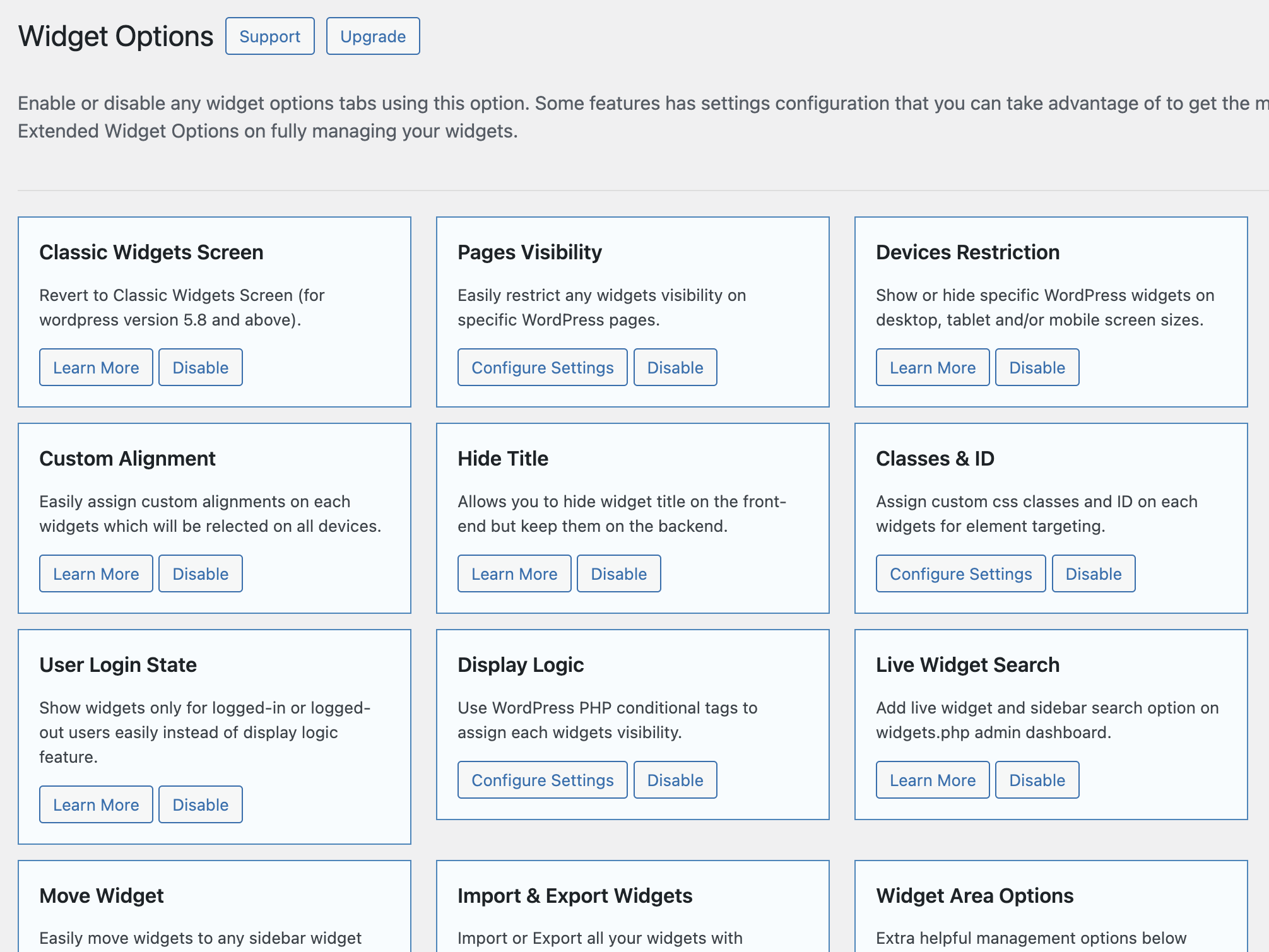
Widget Options gives you super powers to control your site’s sidebar widgets and all Gutenberg blocks on pages and posts.
With over 2,700,000 downloads and an average rating of 4.9 stars, this plugin helps reduce bloat by combining widget and Gutenberg block control.
It expands settings with feature-packed options to manage visibility, appearance, and behavior. You can show or hide content based on user roles, devices, dates, URLs, and more.
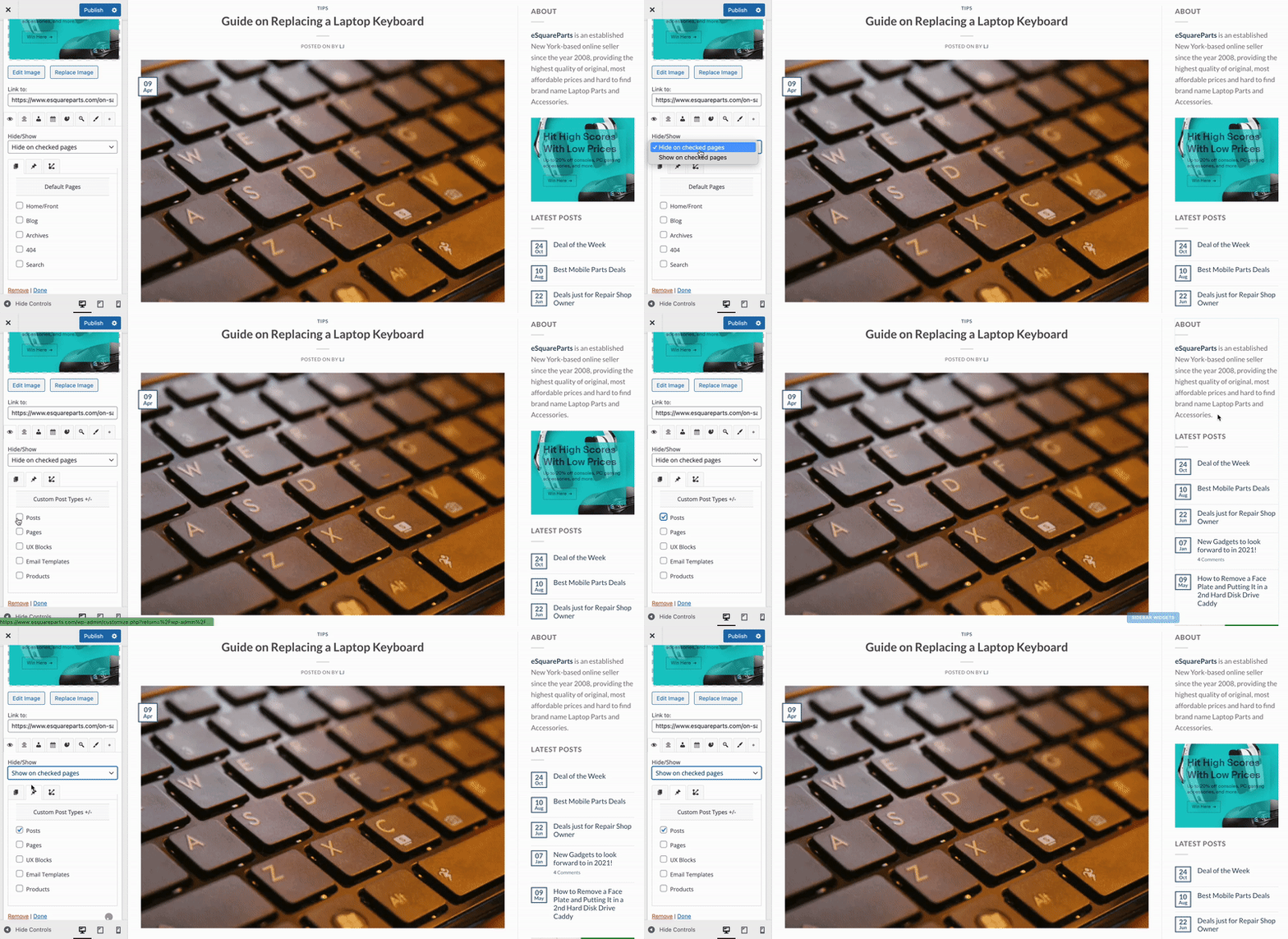
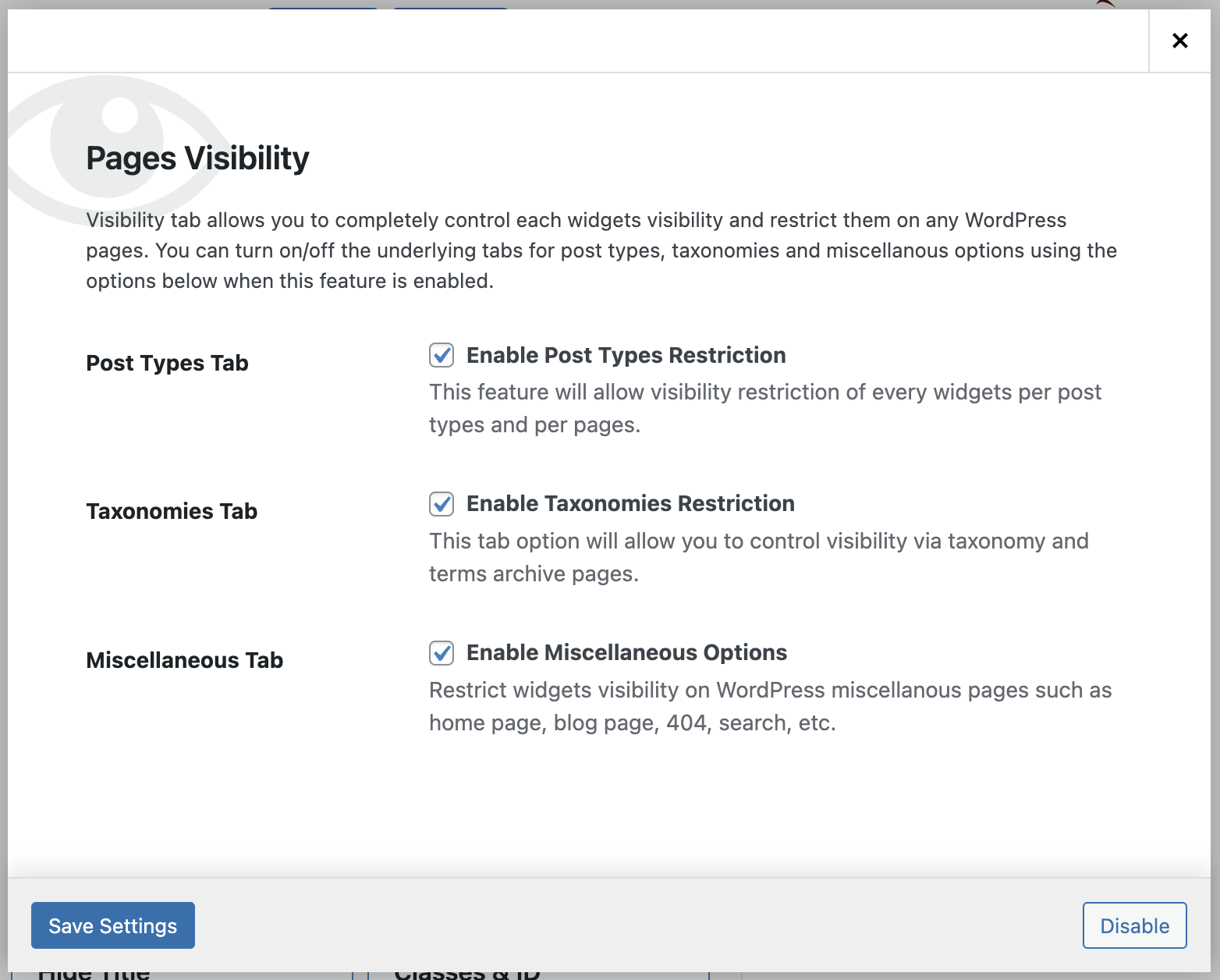
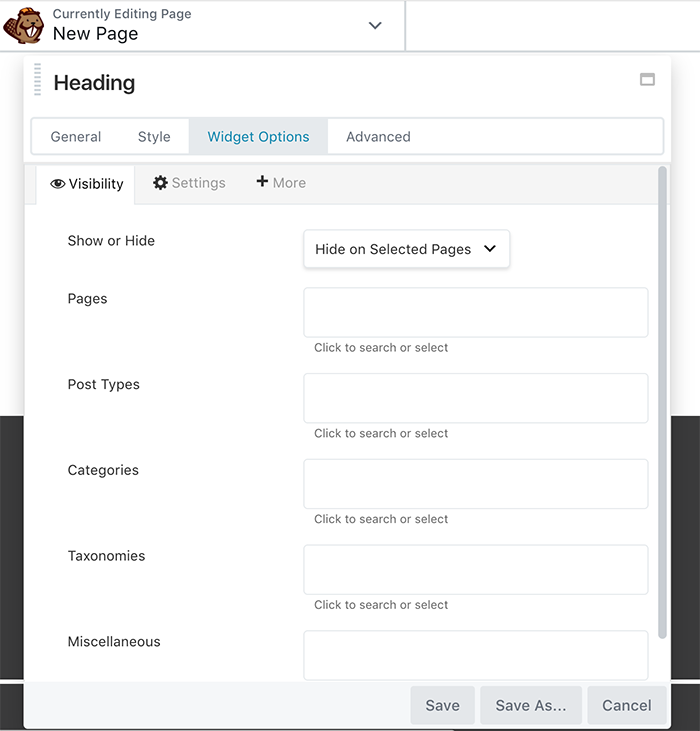
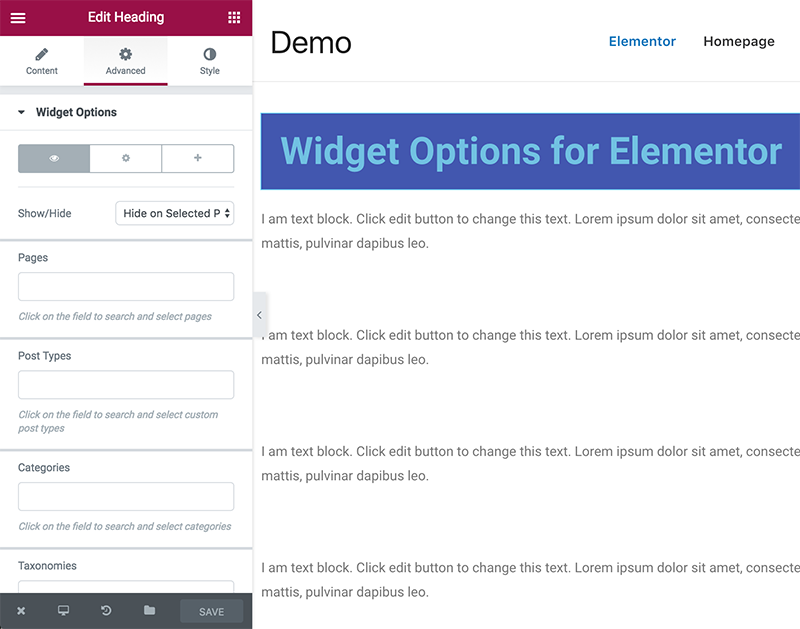
The plugin allows you to easily manage widget and block visibility across different pages, posts, and categories. Customize your site’s layout with intuitive search or checkbox selections.
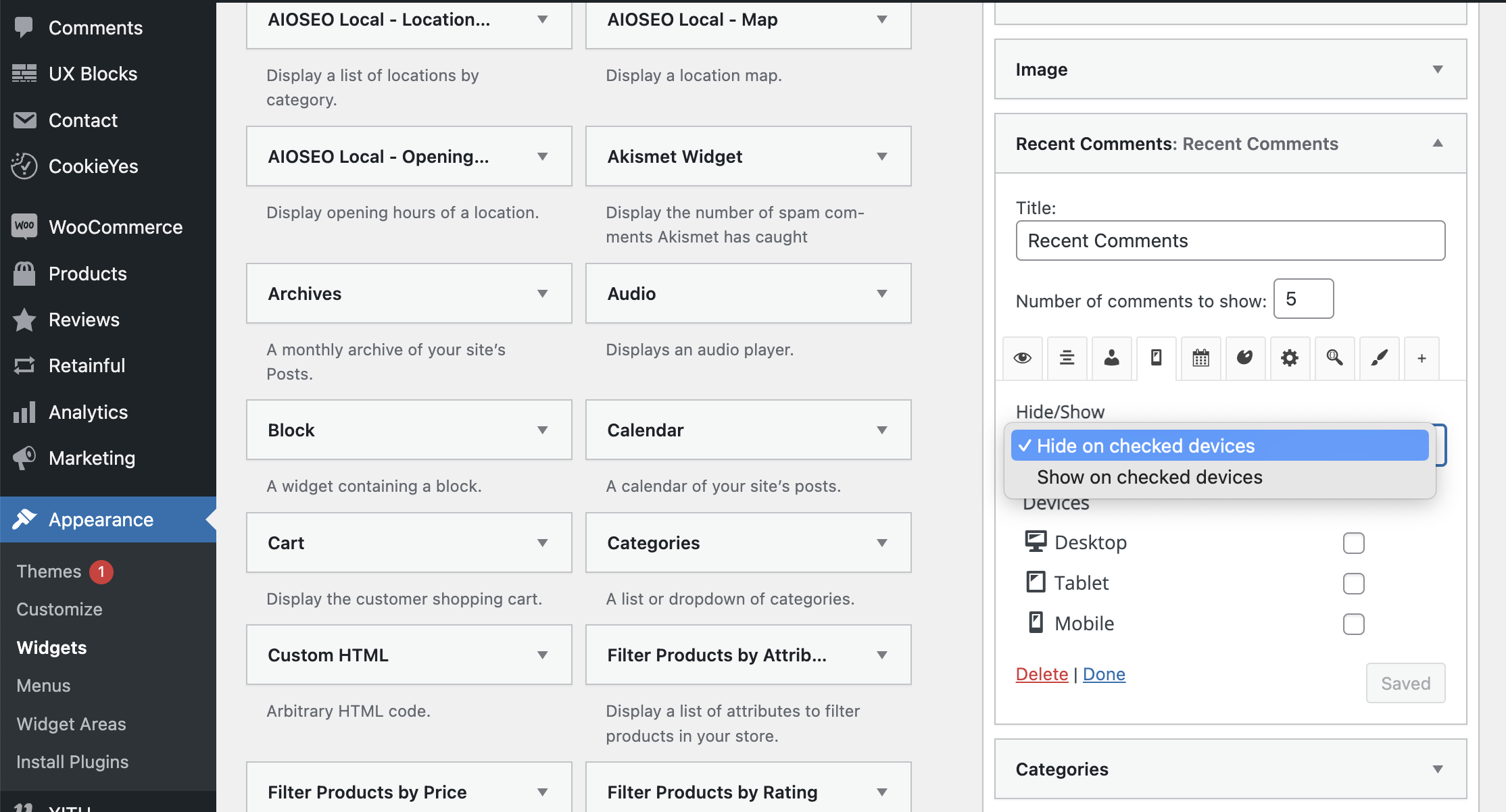
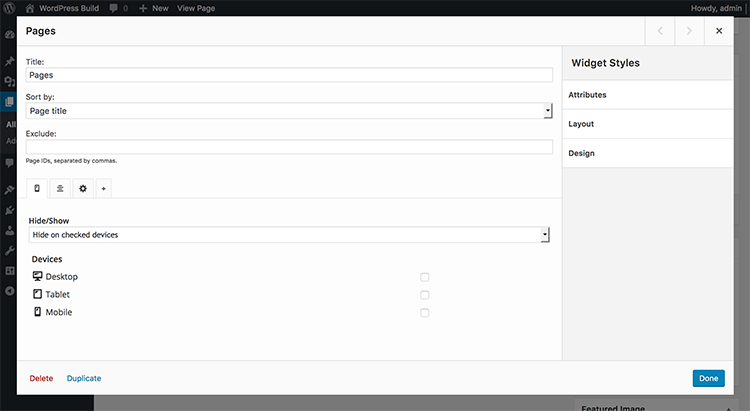
Enhance mobile experience by selectively displaying widgets or blocks on mobile devices while keeping desktop and tablet interfaces unaffected.
Decide which widgets or blocks should be visible to logged-in or non-logged-in users, helping you manage user access effectively.
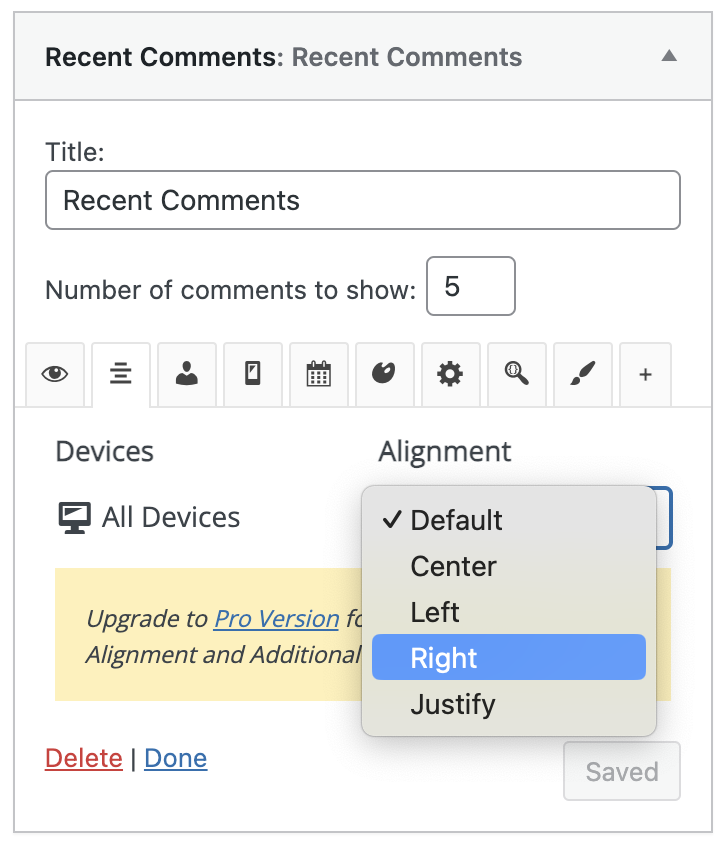
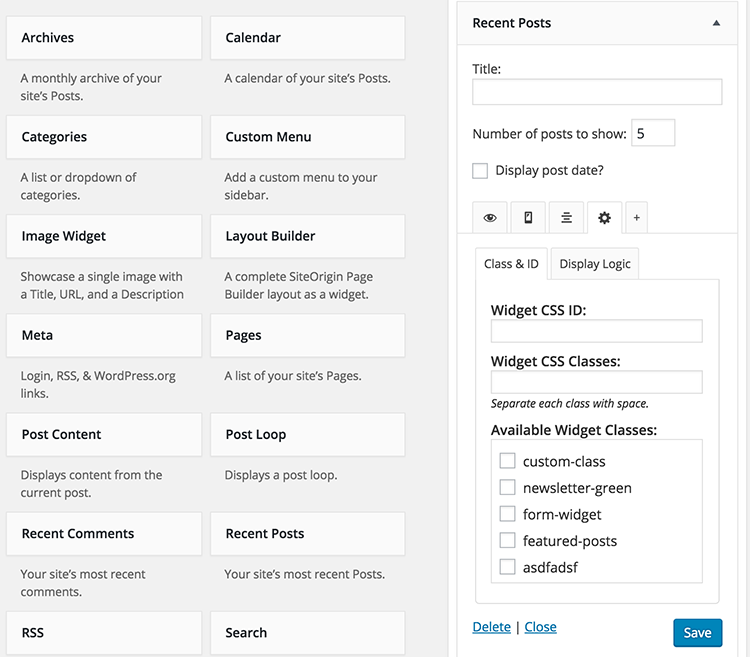
With options for custom alignments, widget IDs, and classes, you can tailor the appearance of your widgets to match your site’s design.
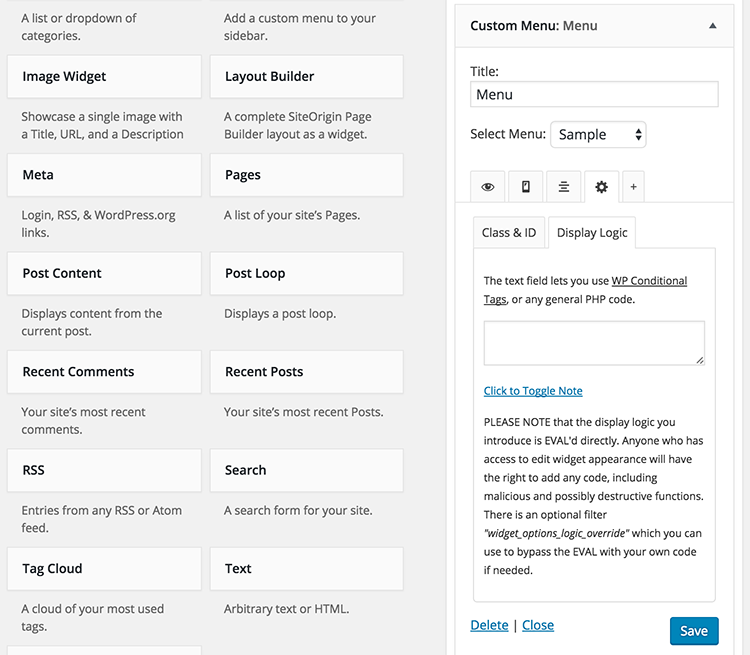
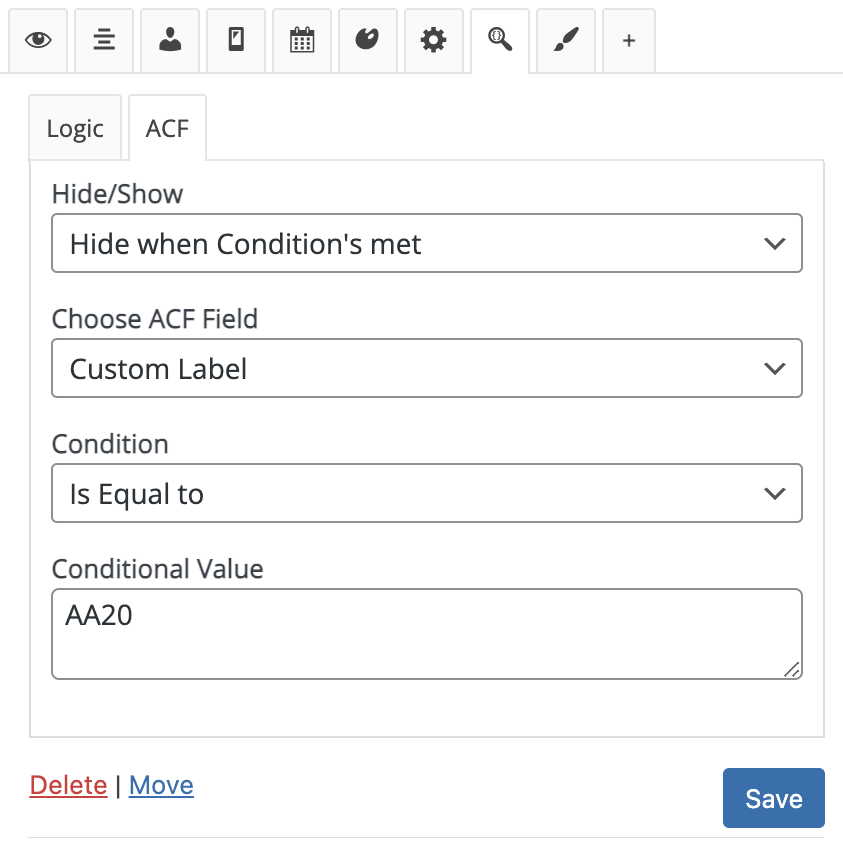
Power users can utilize display widget logic to manage visibility using WordPress Conditional tags for custom restrictions.
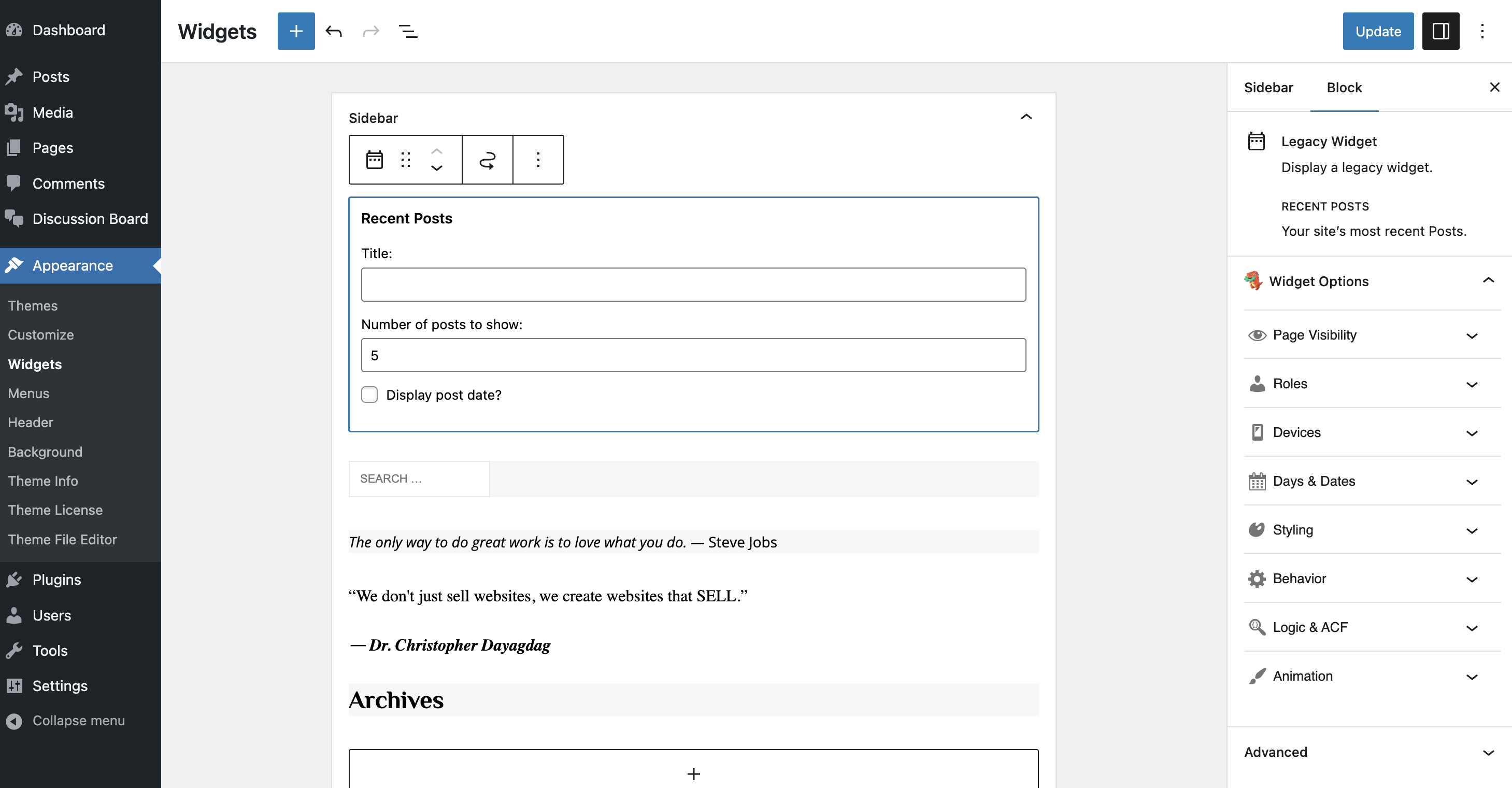
Widget Options is compatible with major page builders like Gutenberg, Elementor, and Beaver Builder, making it versatile for various website designs.
Upgrade to the extended version for even more features, including sticky widgets, advanced visibility controls, and more.
Other Notable Features
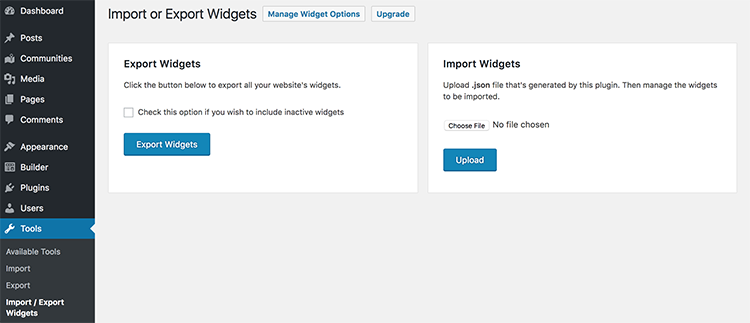
Here are a few other notable features of this free Widget Options – Advanced Conditional Visibility for Gutenberg Blocks & Classic Widgets plugin.

Screenshots
FAQ
After Widget Options plugin activation you’ll get welcome message with detailed video instructions to get started. Then go to Settings > Widget Options to enable/disable the features you want. Then go to Appearance > Widgets and start optimising your widgets!
Contributors and developers
“Widget Options – Advanced Conditional Visibility for Gutenberg Blocks & Classic Widgets” is open source software. The following people have contributed to this plugin.


 4.2.2 –


WPS

6.7
Average

Ratings
4.9 out of 5 | 1516
Version
4.2.2
Last updated
4 days ago
Active installations
100,000+
WordPress version
6.7.5 or higher
PHP version
7.4 or higher
Languages
4Tags
Blocks,Blocks Visibility Rules,Classic Widgets,Gutenberg Widgets,Widget ControlOther plugins you might like

All-in-One WP Migration and Backup
By ServMask
WPS
7.65
Very Good
7.6k+reviews

active installation
Tested with
6.9.4
Hostinger Tools
By Hostinger
WPS
7.66
Very Good
26+reviews
active installation
Tested with
6.9.4
Duplicate Page
By mndpsingh287
WPS
7.79
Very Good
442+reviews
active installation
Tested with
6.9.4
UpdraftPlus: WP Backup & Migration Plugin
By David Anderson / Team Updraft
WPS
7.92
Very Good
8.4k+reviews
active installation
Tested with
7.0
Classic Widgets
By Tonya Mork
WPS
7.59
Very Good
262+reviews
active installation
Tested with
6.9.4
Redirection
By John Godley
WPS
7.7
Very Good
689+reviews
active installation
Tested with
6.9.4