




Mailchimp List Subscribe Form
By Mailchimp
Description
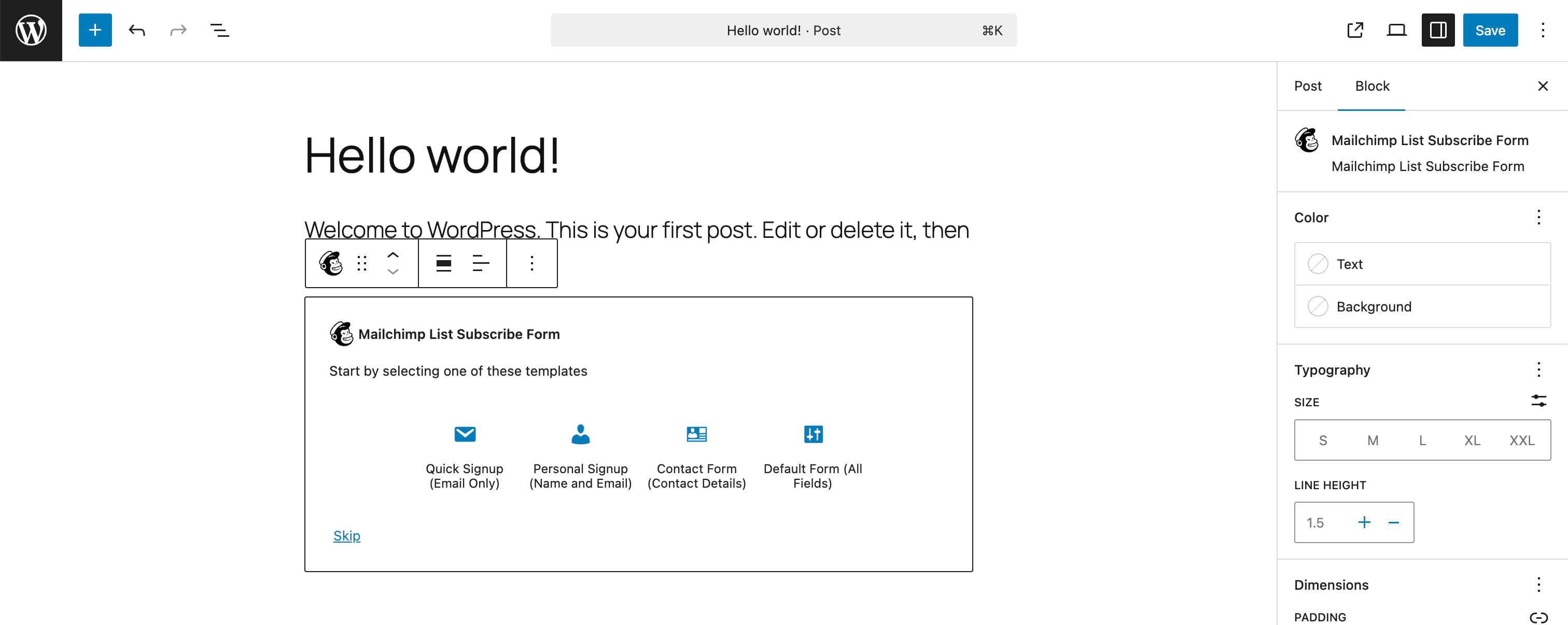
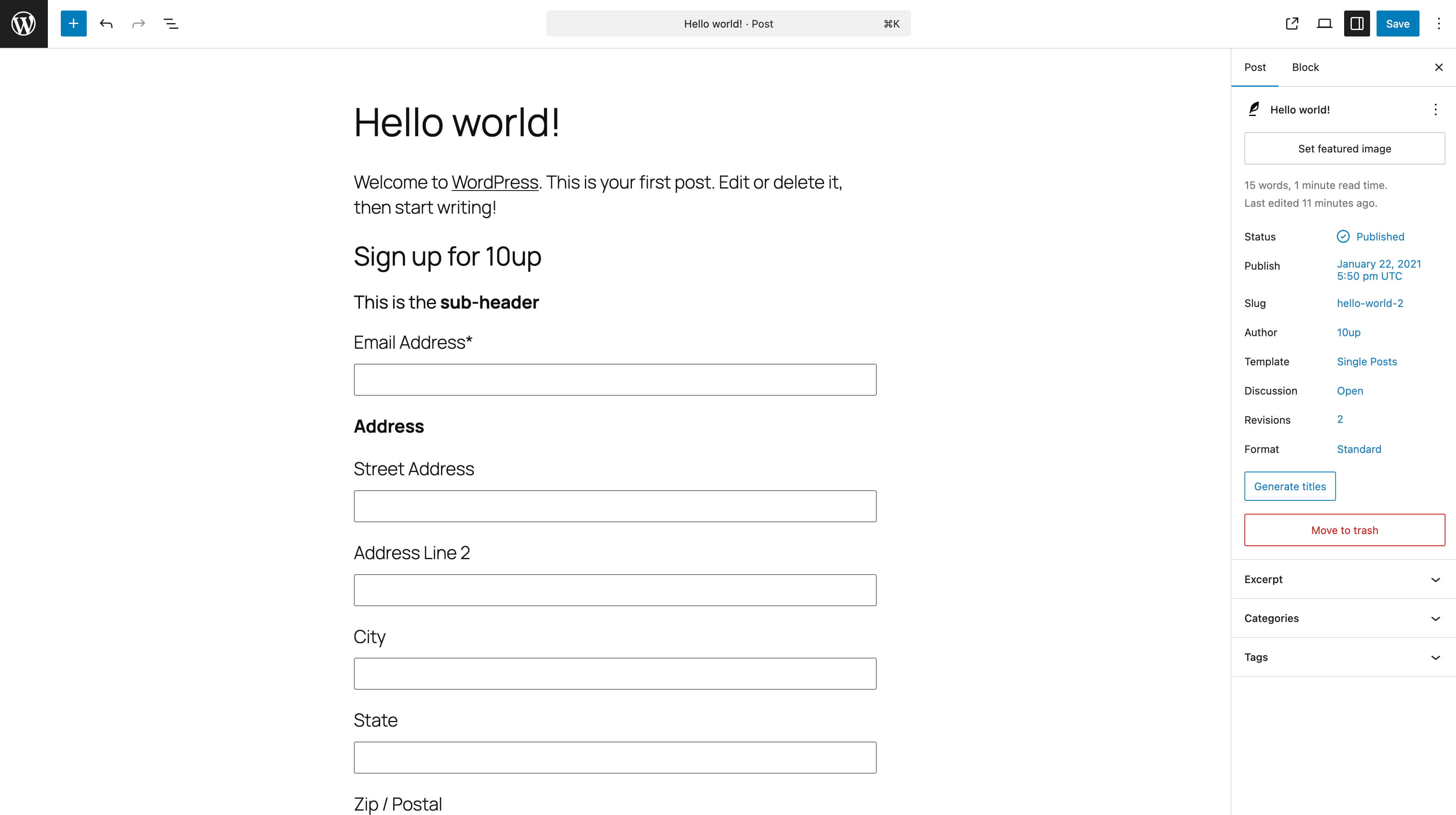
Use the Mailchimp List Subscribe plugin to quickly add a Mailchimp signup form block, widget, or shortcode to your WordPress site.
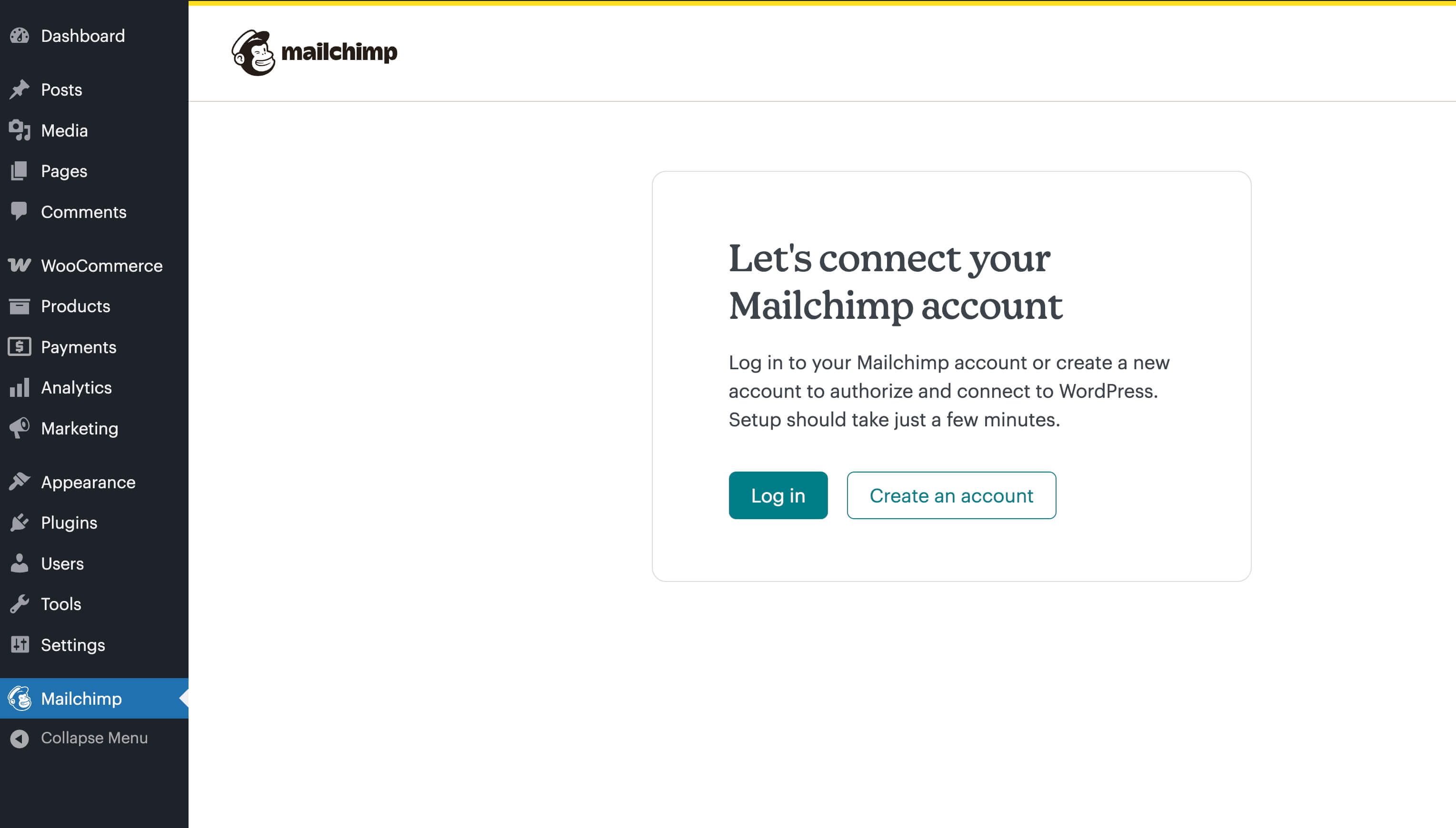
After installation, if you already have a Mailchimp account, you will log in with that account and then proceed to configure settings.
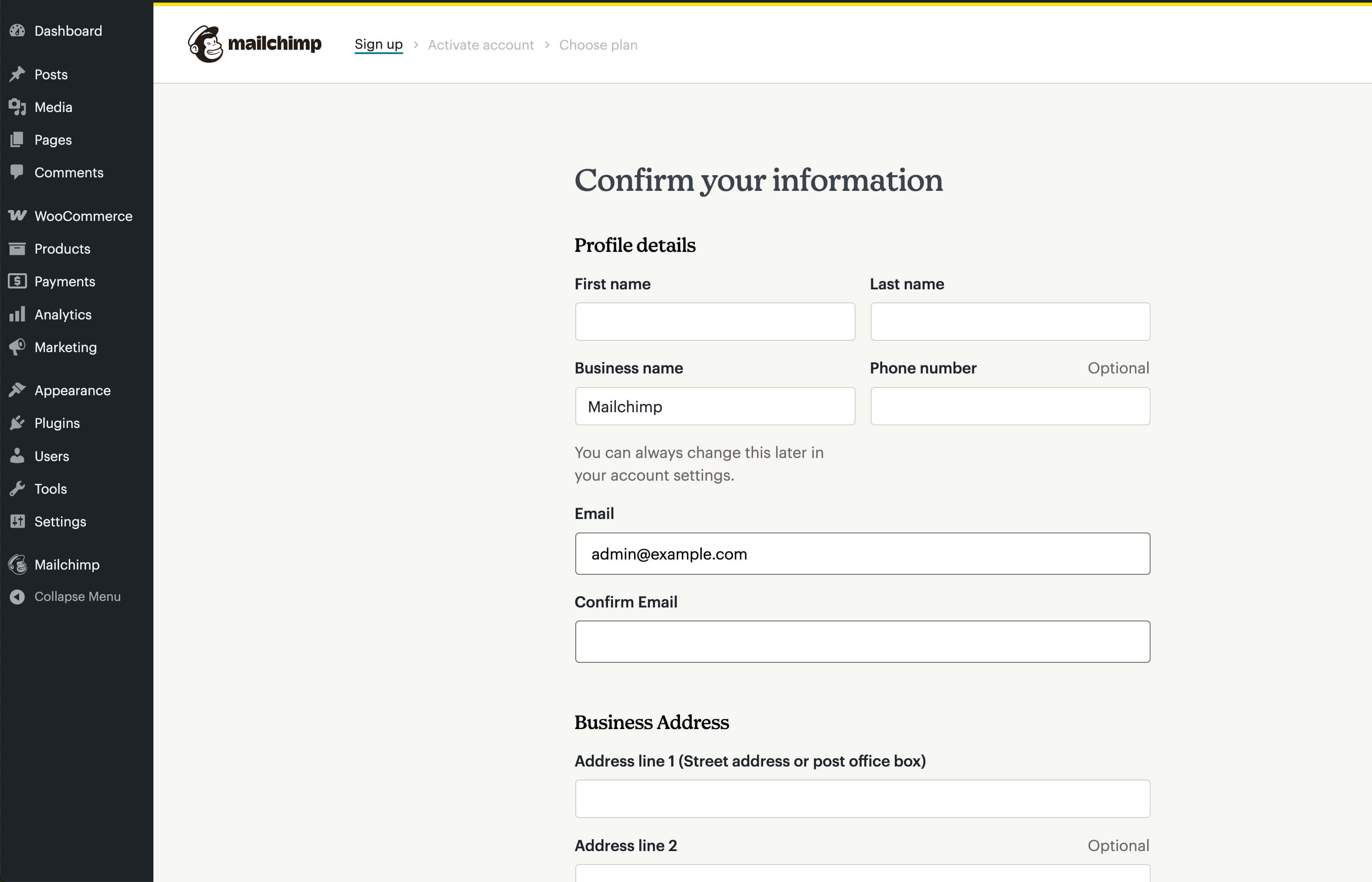
If you do not have an account, you can create one directly in the plugin. After entering in all your personal details, you will need to activate your account via an email that will be sent to you. Once done, you will proceed to configure settings.
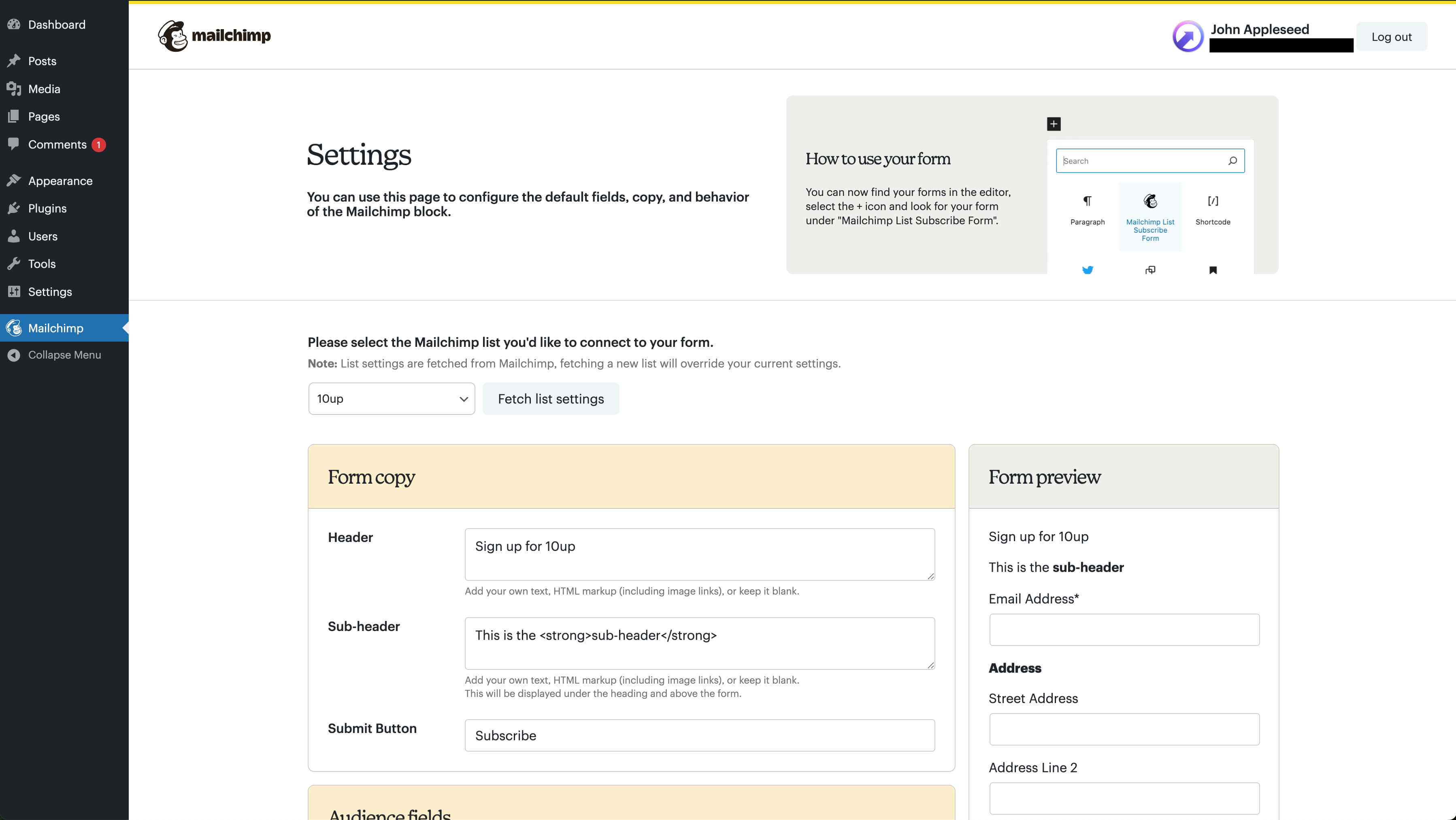
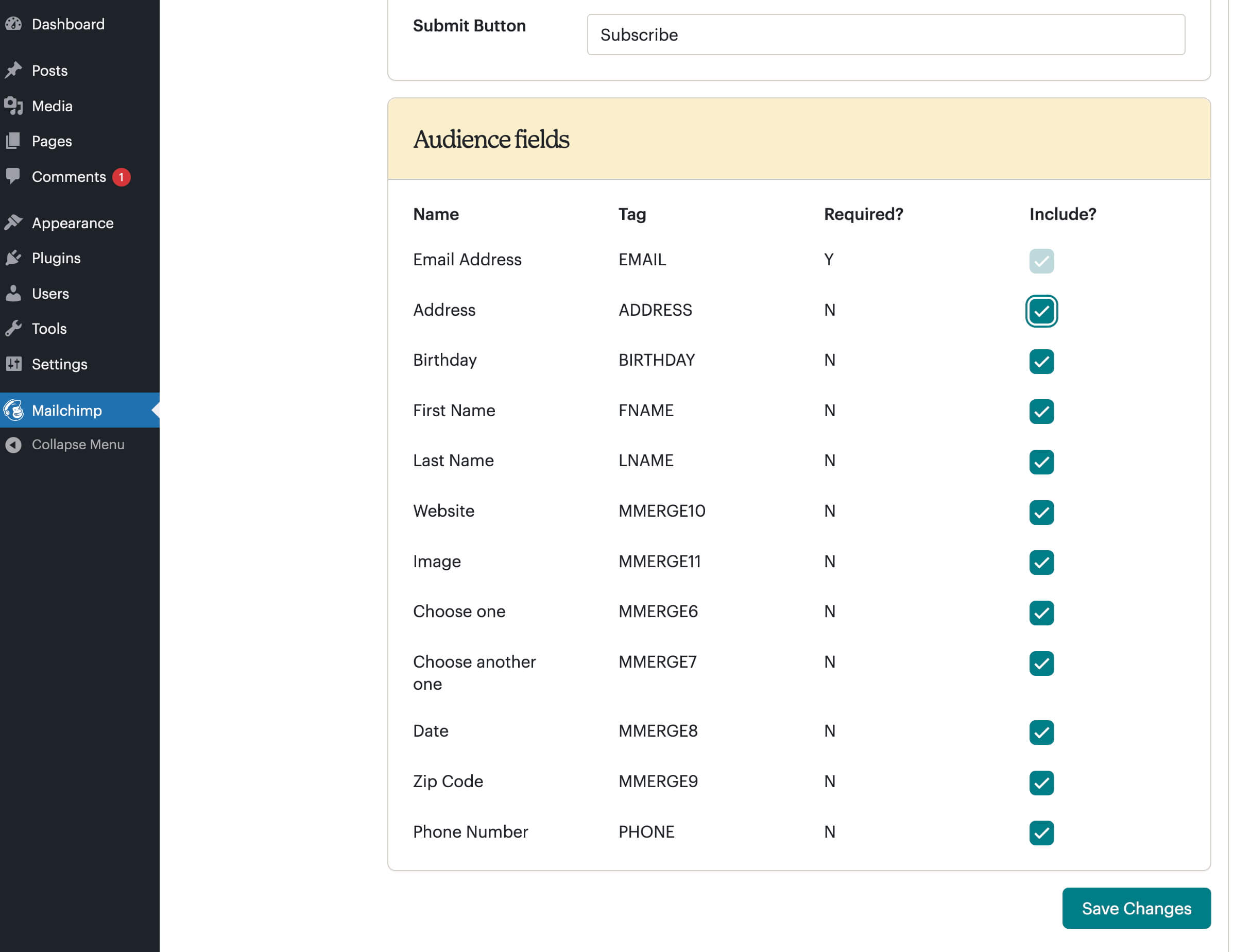
On the settings screen, you will select your Mailchimp list, choose merge fields and groups, and configure other options. Once done, you can now add the block, widget, or shortcode to your site. Typically, installation and setup will take about 5-10 minutes, and absolutely everything can be done via the WordPress Setting GUI, with no file editing at all.
WordPress.com compatibility is limited to Business tier users only.
Starting in version 1.6.0, authentication has changed to use OAuth. As part of this process, we retrieve an access token that can be used to make API requests. To provide a high level of security, this access token is encrypted before being stored in the WordPress database.
To prevent issues with access token decryption, it is recommended to define two additional constants in your site's wp-config.php file. These constants should consist of a combination of characters, preferably at least 32 characters long.
If you are upgrading to version 1.2.1 and you used the widget in your sidebar previously, all you need to do is drag the Mailchimp Widget back into the sidebar, visit the Mailchimp settings page, and click the 'Update List' button to complete the process.
Other Notable Features
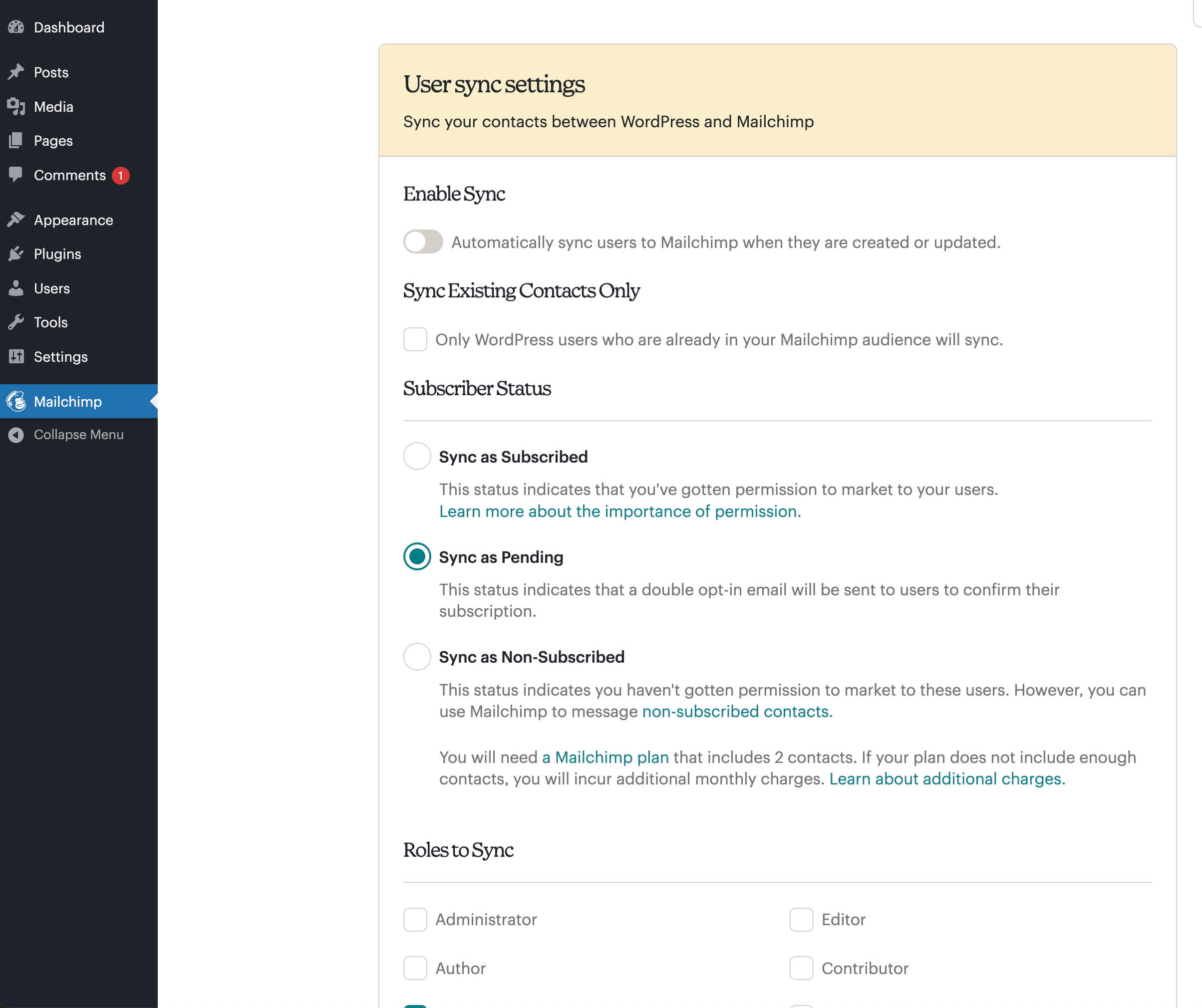
Here are a few other notable features of this free Mailchimp List Subscribe Form plugin.

Screenshots

FAQ
You need to ensure that the fields are enabled both in your Mailchimp account (Audience > Signup forms) and in the settings of this plugin. Once the fields are enabled in both places, then they’ll appear in the editor and frontend of your site.
Contributors and developers
“Mailchimp List Subscribe Form” is open source software. The following people have contributed to this plugin.


 2.0.1 – January 8, 2026

WPS

6.8
Average

Ratings
2.6 out of 5 | 77
Version
2.0.1
Last updated
2 months ago
Active installations
60,000+
WordPress version
6.9.4 or higher
PHP version
7.0 or higher
Languages
0Tags
Email,Mailchimp,Marketing,Newsletter,SignupOther plugins you might like

Yoast SEO – Advanced SEO with real-time guidance and built-in AI
By Yoast
WPS
8.01
Very Good
27.8k+reviews

active installation
Tested with
6.9.4
All in One SEO – Powerful SEO Plugin to Boost SEO Rankings & Increase Traffic
By Syed Balkhi
WPS
7.76
Very Good
5.1k+reviews
active installation
Tested with
6.9.4
Rank Math SEO – AI SEO Tools to Dominate SEO Rankings
By Rank Math SEO
WPS
7.76
Very Good
7.4k+reviews
active installation
Tested with
6.9.4
XML Sitemap Generator for Google
By Auctollo
WPS
7.03
Very Good
2.2k+reviews
active installation
Tested with
6.9.4
Popup Builder & Popup Maker for WordPress – OptinMonster Email Marketing and Lead Generation
By Syed Balkhi
WPS
6.92
Average
803+reviews
active installation
Tested with
6.8.5
SiteSEO – SEO Simplified
By Softaculous
WPS
6.35
Average
7+reviews
active installation
Tested with
6.9.4