



HubSpot – CRM, Email Marketing, Live Chat, Forms & Analytics
By HubSpot
Description
HubSpot is a CRM platform with all the tools and integrations you need for marketing, sales, and customer service. Each product in the platform is powerful alone, but the real magic happens when you use them together. See for yourself in the free HubSpot WordPress plugin.
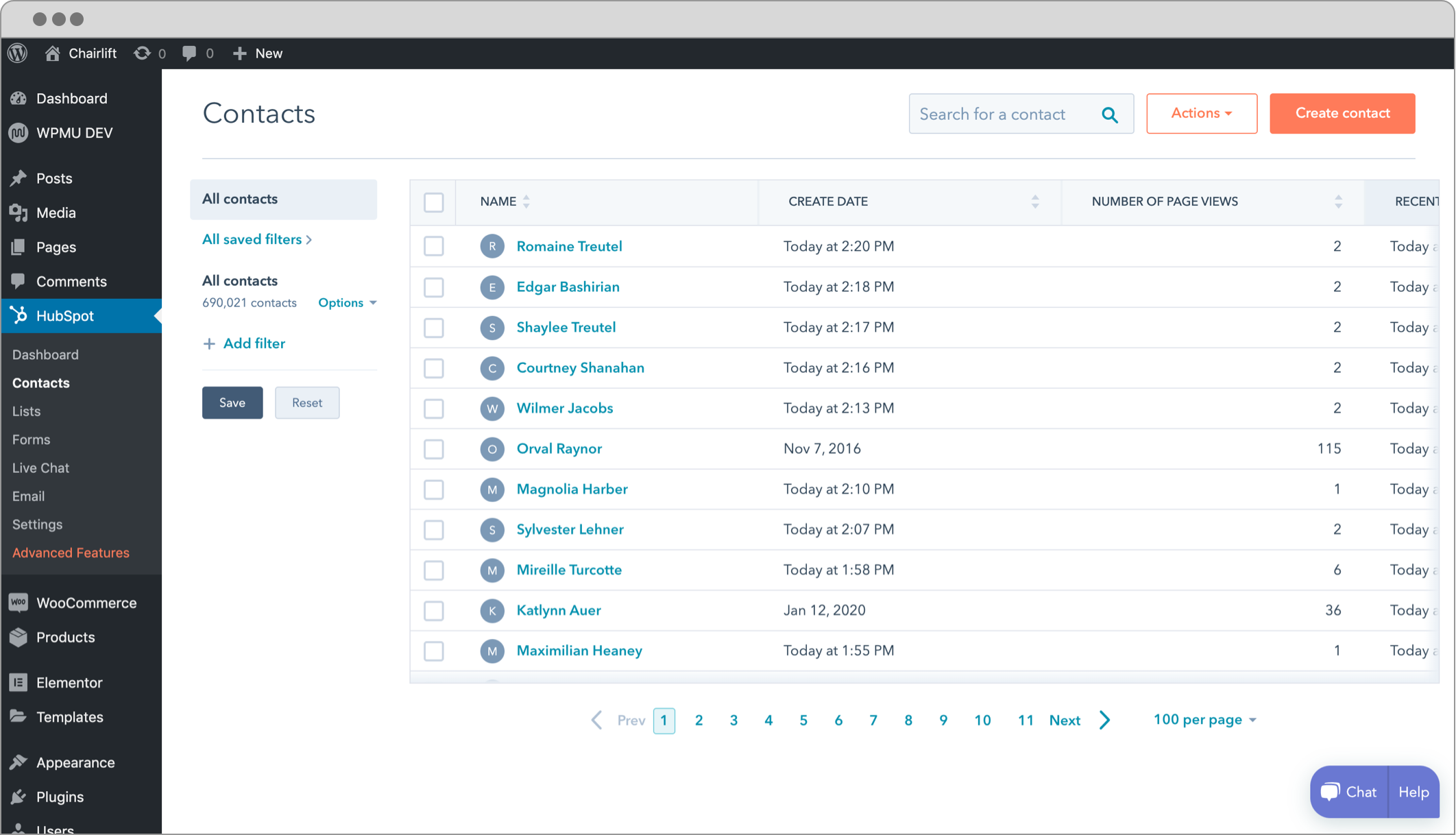
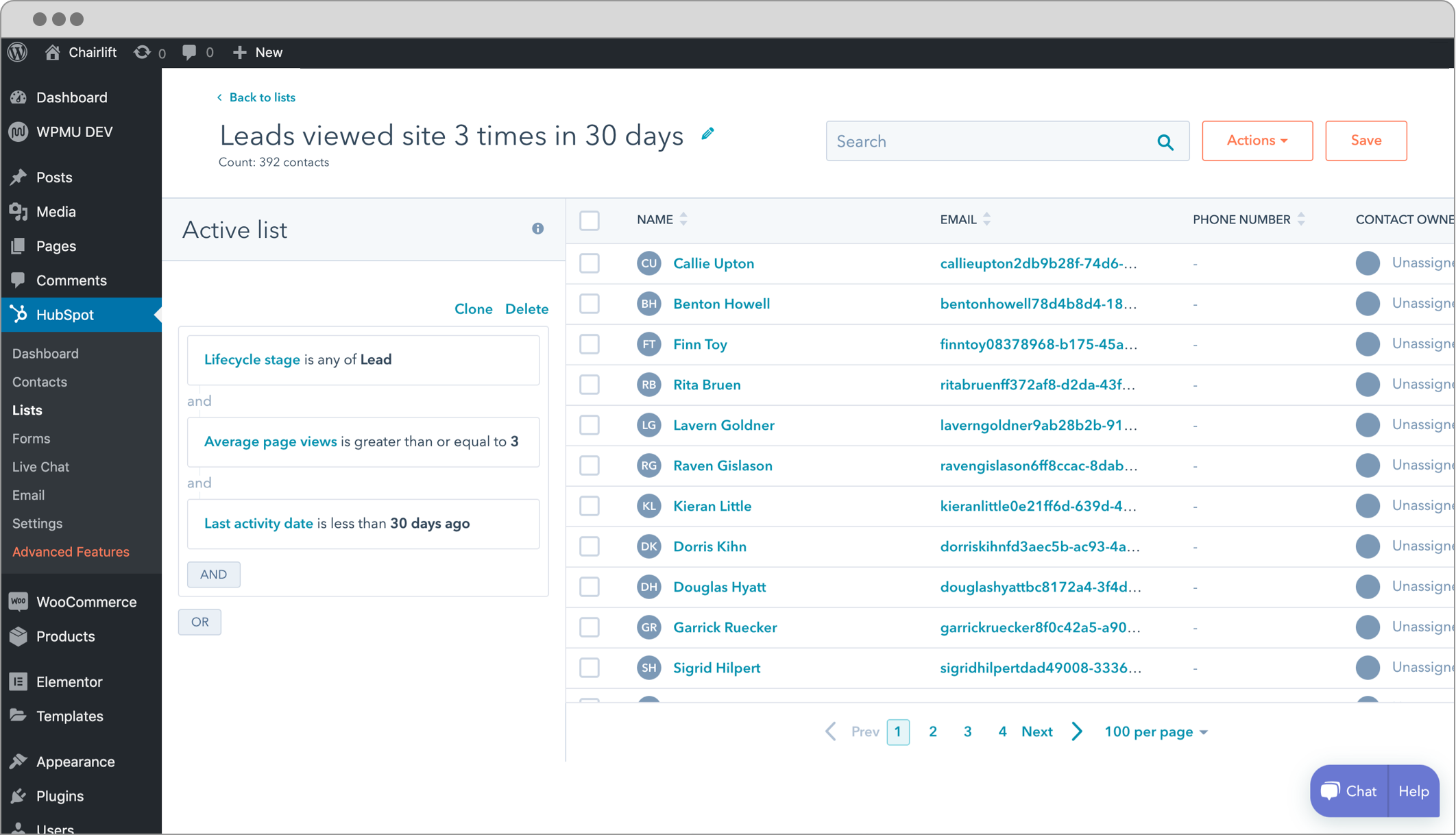
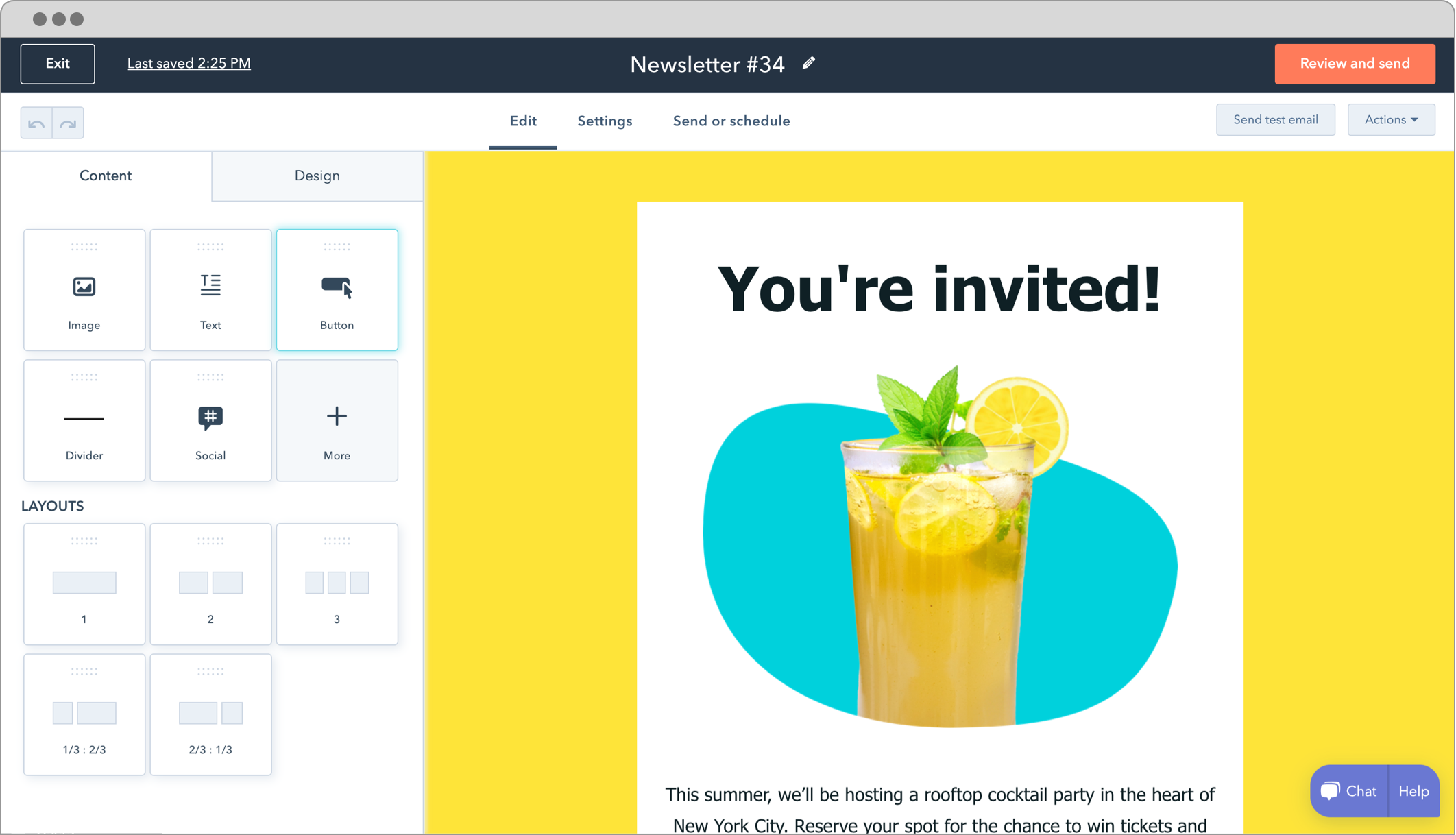
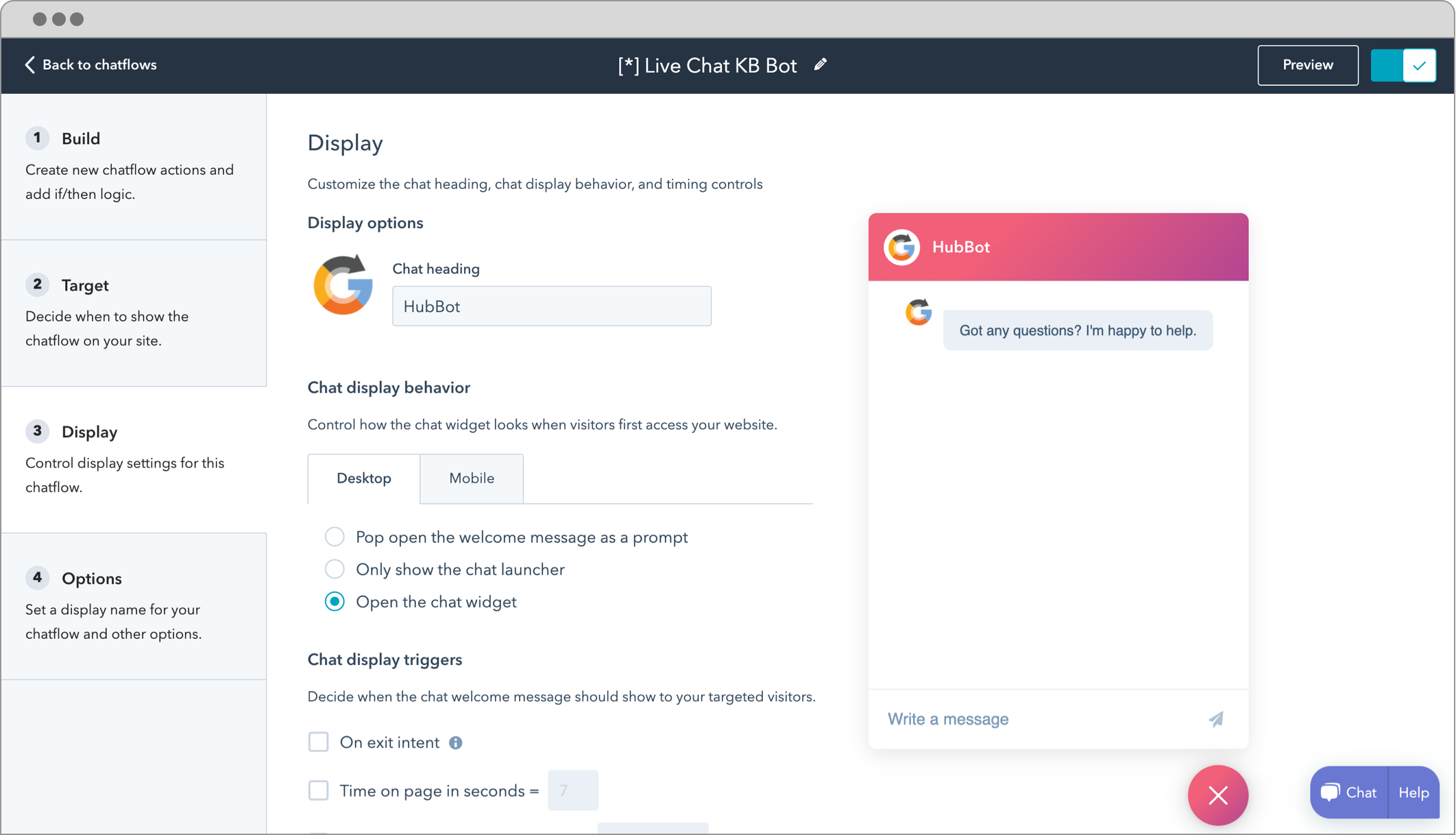
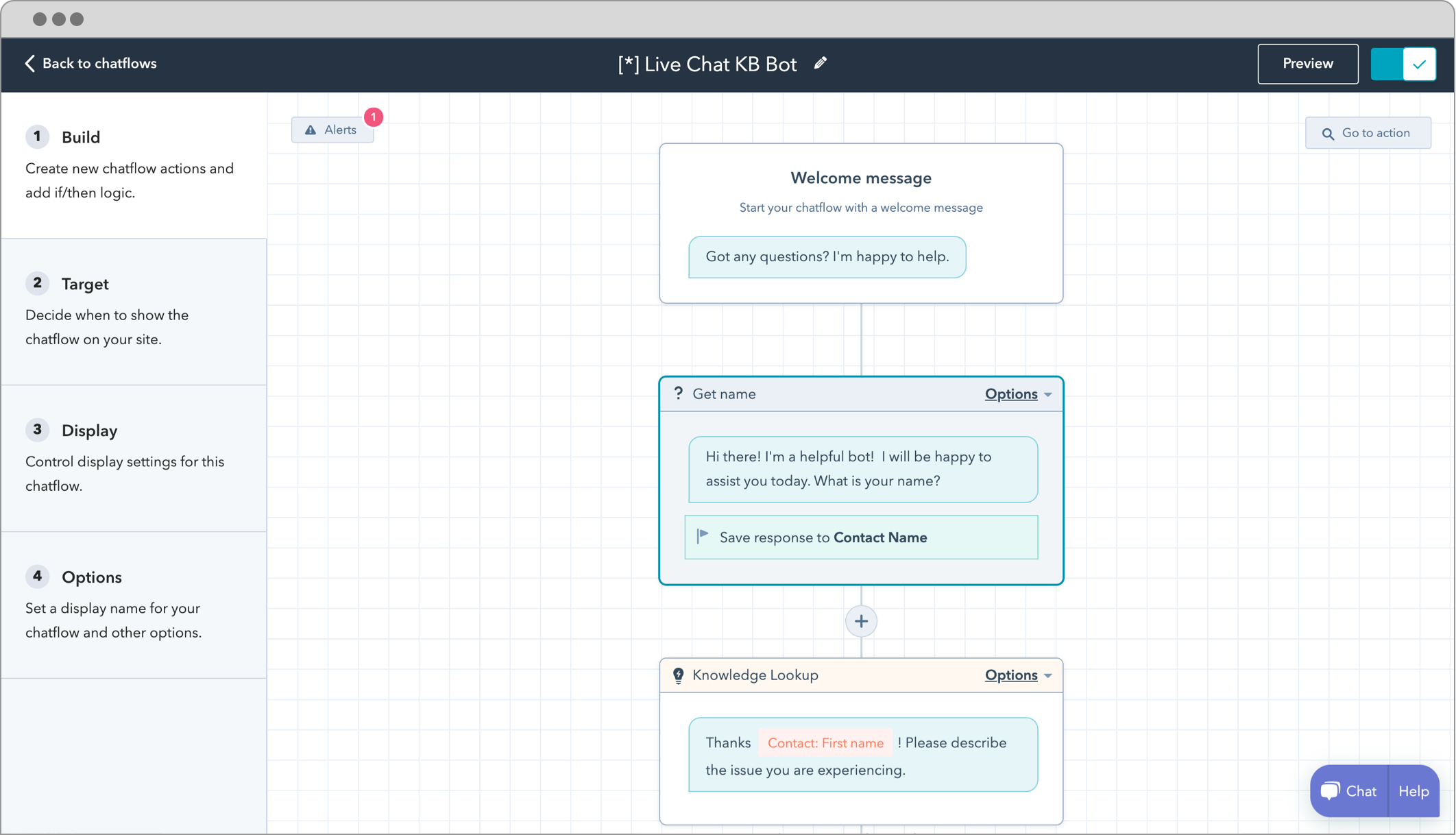
Build a relationship with your audience and grow your business with HubSpot. HubSpot's all-in-one WordPress plugin allows you to manage contacts (CRM), create the best email marketing campaigns, engage visitors with live chat and chatbots, add beautiful forms to pages, and more.
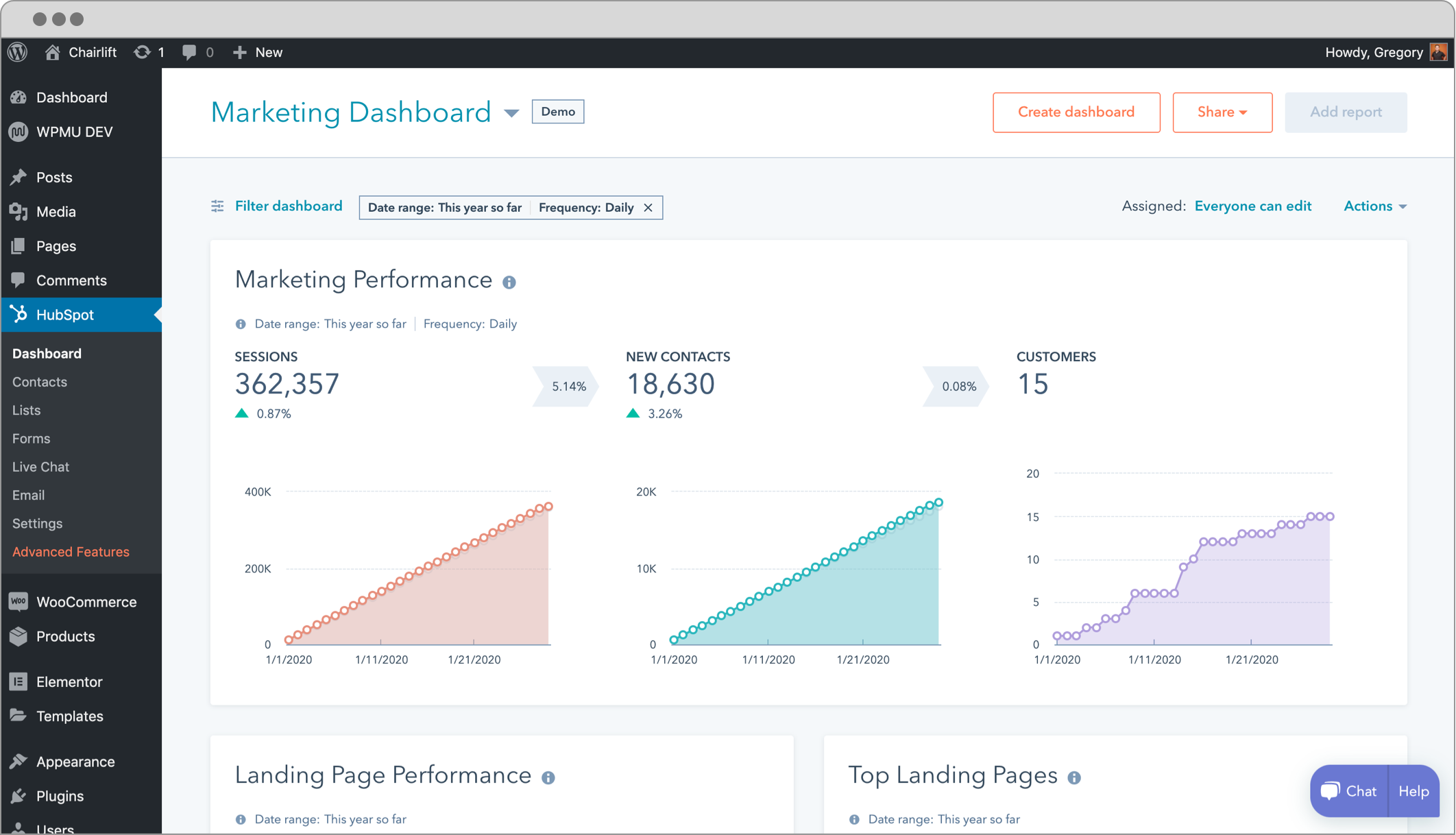
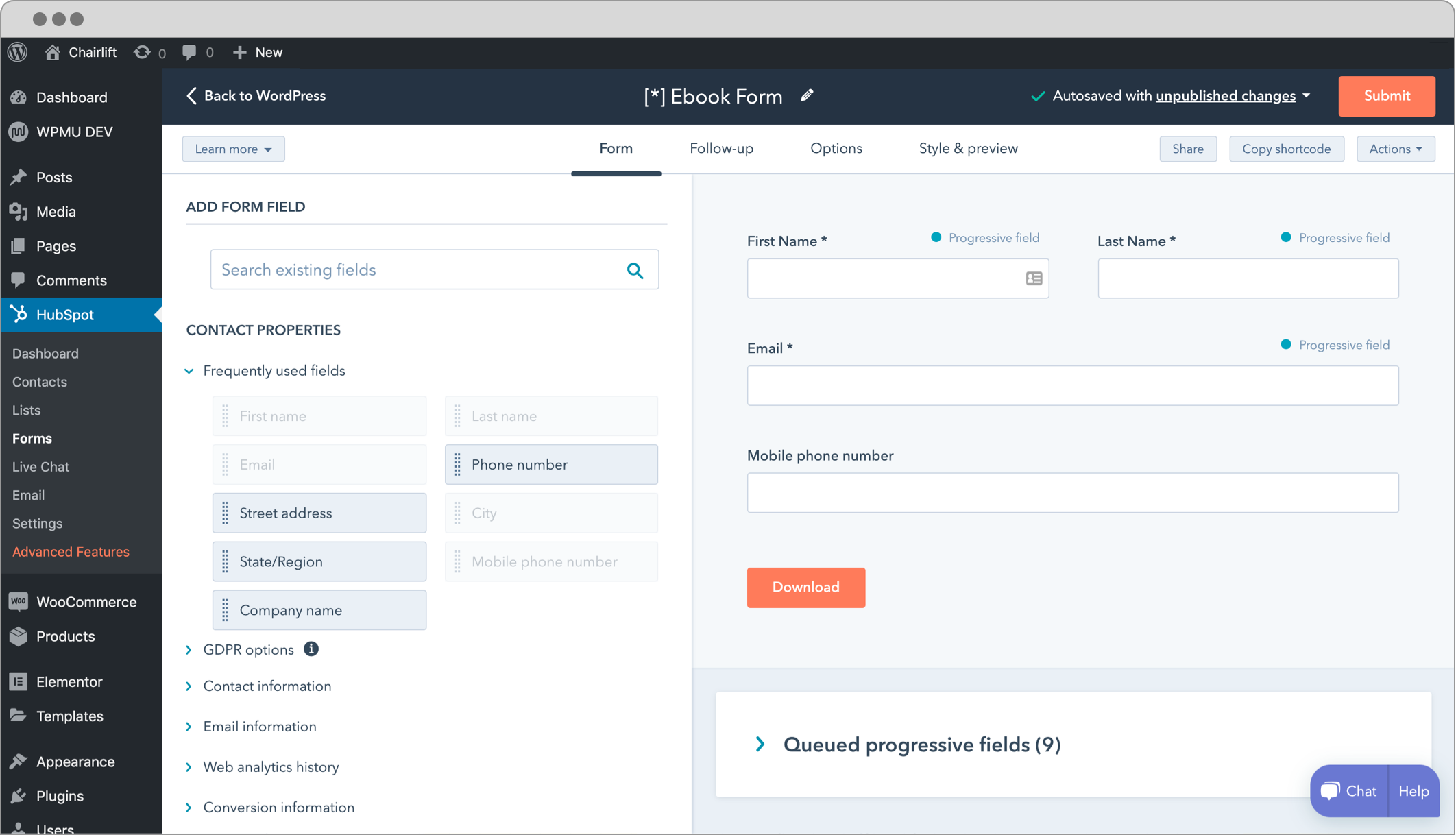
Use HubSpot to connect with visitors on your site in real-time using live chat and chatbots. Capture leads with ease by building custom forms or linking existing forms from your website in minutes. Nurture your leads by sending newsletters and automating email marketing campaigns. Track the health of your business with easy-to-understand analytics dashboards.
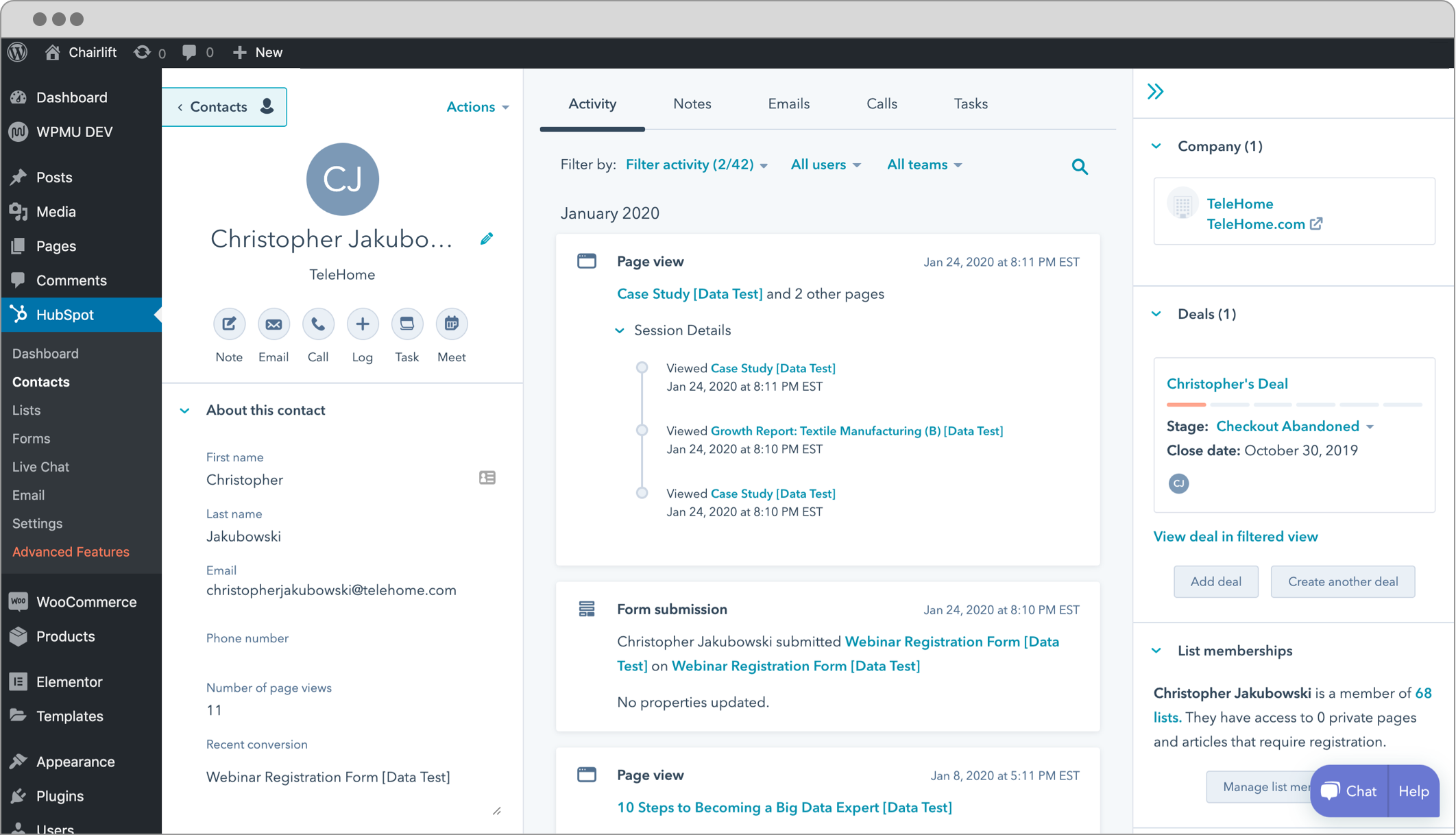
Your CRM in the HubSpot WordPress plugin is your company’s command center. It’s the place where you can track every single customer interaction and get a 360-degree view of your customers. You can even use it to manage or automate marketing, sales, and service processes.
With HubSpot CRM, you don’t need to jump from tool to tool to keep track of everything. Instead, you can store all of your data in one place. HubSpot’s free WordPress CRM gives you ultimate visibility into customer interactions across every team in your organization.
Other Notable Features
Here are a few other notable features of this free HubSpot – CRM, Email Marketing, Live Chat, Forms & Analytics plugin.

Screenshots
FAQ
- Your website or blog must be using WordPress.org version 3.7 or higher on your server. We recommend the latest version.
- The plugin cannot be installed on WordPress.com sites, as they do not allow you to add plugins or Javascript.
- The wp_footer function must be included in your WordPress theme’s footer file (footer.php).
- This function is required for our Javascript snippet to be installed on every page of your site.
- You must be a WordPress admin to be able to install plugins for your site. If you are not the admin, you can forward these instructions to the person who manages your WordPress install.


 11.3.39 (2026-01-29) –

WPS

7.01
Very Good

Ratings
4.3 out of 5 | 207
Version
11.3.44
Last updated
1 week ago
Active installations
200,000+
WordPress version
6.9.4 or higher
PHP version
7.2 or higher
Languages
16Tags
Analytics,Crm,Forms,Live Chat,MarketingOther plugins you might like

User Feedback – Create Interactive Feedback Form, User Surveys, and Polls in Seconds
By Syed Balkhi
WPS
6.8
Average
295+reviews

active installation
Tested with
6.9.4
Strong Testimonials
By WP Chill
WPS
6.62
Average
611+reviews
active installation
Tested with
6.9.4
Jetpack CRM – Clients, Leads, Invoices, Billing, Email Marketing, & Automation
By Automattic
WPS
6.69
Average
153+reviews
active installation
Tested with
6.9.4
WP Customer Reviews
By Aaron Queen
WPS
6.68
Average
526+reviews
active installation
Tested with
6.9.4
WP Customer Area
By aguilatechnologies
WPS
6.7
Average
89+reviews
active installation
Tested with
6.9.4
Lead Forensics
By Lead Forensics Wordpress Plugin Support
WPS
6.26
Average
4+reviews
active installation
Tested with
6.8.5