




Advanced Sidebar Menu
By Mat Lipe
Description
The Advanced Sidebar Menu plugin creates fully automatic sidebar menus that utilize the parent/child relationship of your pages or categories. This means you can assign a page or category to a parent, and the plugin will generate the appropriate menus for you.
With this plugin, only related items are displayed, ensuring your menus remain clean and usable. You won't have to worry about updating custom menus or showing links that don't belong.
Blocks are available for displaying menus wherever you need them, such as in page content, widget areas, or the theme customizer. You can also use classic widgets for compatibility with older sites.
Other Notable Features
Here are a few other notable features of this free Advanced Sidebar Menu plugin.

Screenshots
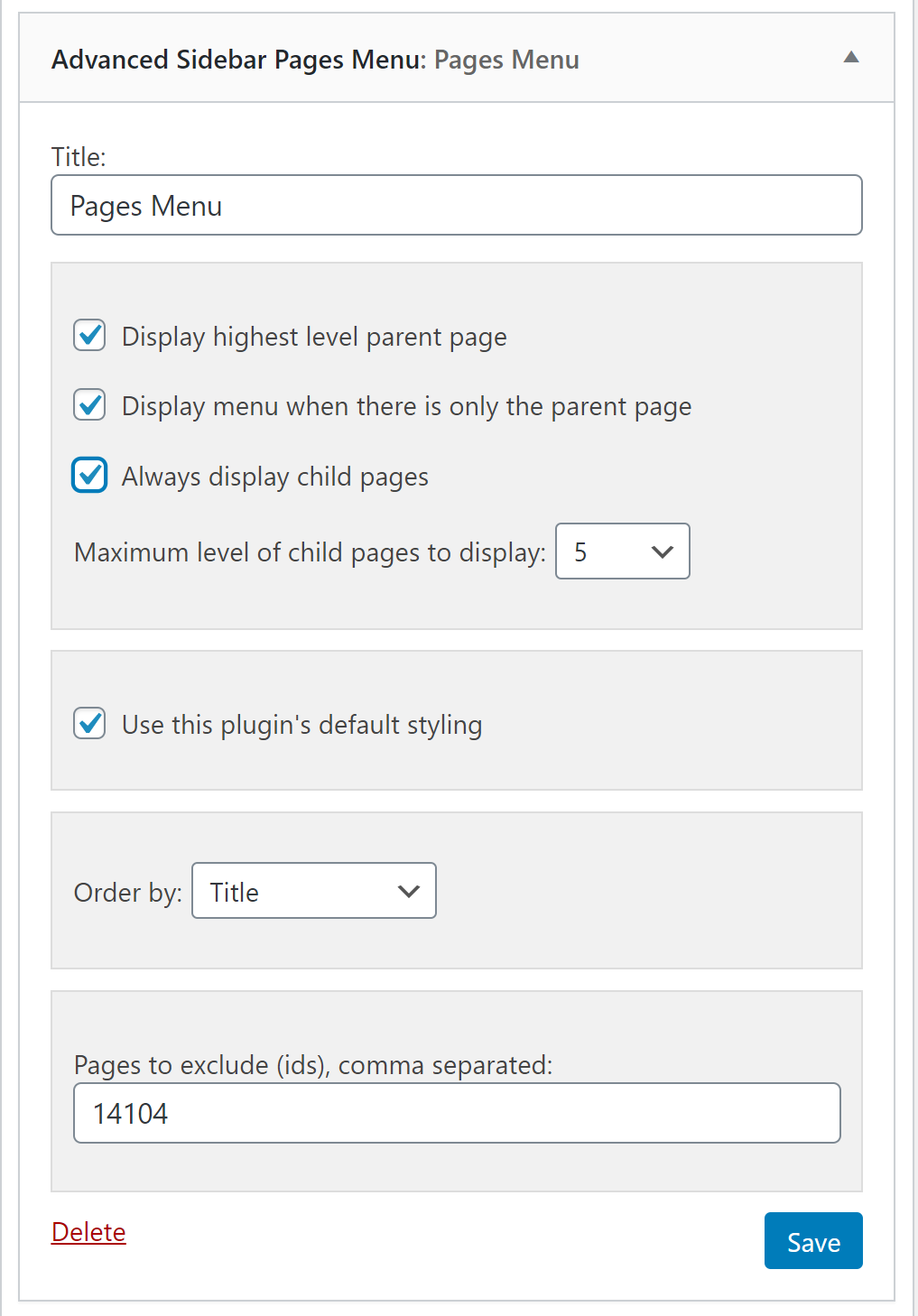
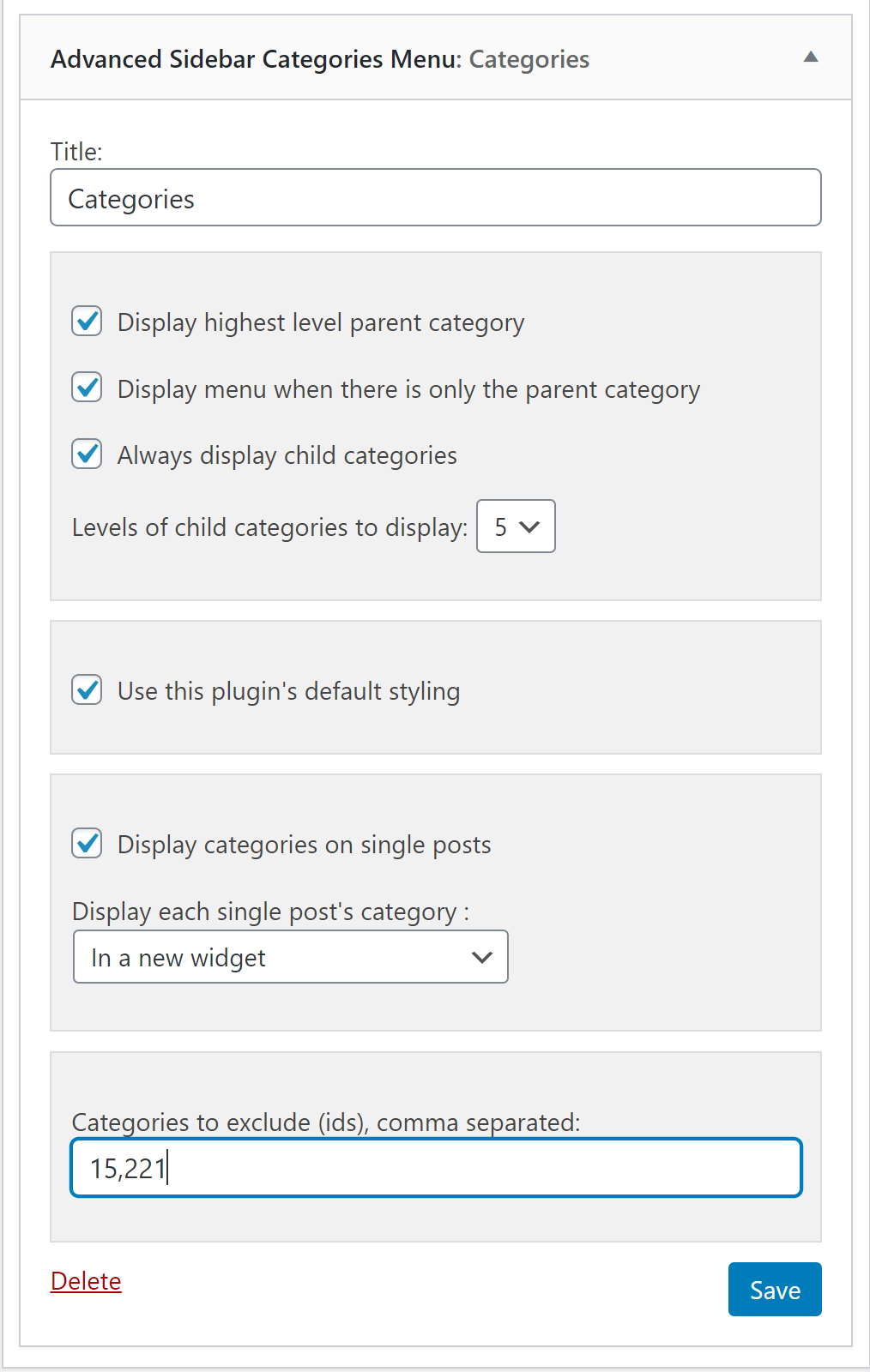


FAQ
The menu in this plugin is smart enough to not show up on pages or categories where the only thing that would display is the title. While it may appear like the menu is broken, it is actually doing what it is intended to do.
The most common causes for this confusion come from one of these reasons:
1. The incorrect menu was selected. Categories have their own widget/block as pages have their own widget/block.
2. “Display the highest level parent page” or “Display the highest level parent category” is not checked.
3. The Pages menu is currently not being viewed on a page.
4. The Categories menu is not currently being view on a category.
Contributors and developers
“Advanced Sidebar Menu” is open source software. The following people have contributed to this plugin.


 9.8.3 –

WPS

6.77
Average

Ratings
4.5 out of 5 | 37
Version
9.8.3
Last updated
1 month ago
Active installations
10,000+
WordPress version
6.9.4 or higher
PHP version
7.4.0 or higher
Languages
10Tags
Category Menus,Hierarchy,Menus,Page Menus,SidebarsOther plugins you might like

Breadcrumb NavXT
By John Havlik
WPS
7.68
Very Good
132+reviews

active installation
Tested with
6.9.4
Category Order and Taxonomy Terms Order
By nsp-code
WPS
6.83
Average
162+reviews
active installation
Tested with
6.9.4
WP Sitemap Page
By Tony Archambeau
WPS
7.06
Very Good
205+reviews
active installation
Tested with
6.8.5
Max Mega Menu
By megamenu
WPS
7.53
Very Good
859+reviews
active installation
Tested with
6.9.4
Custom Post Type Permalinks
By Toro_Unit (Hiroshi Urabe)
WPS
6.88
Average
71+reviews
active installation
Tested with
6.6.5
Table of Contents Plus
By Syed Balkhi
WPS
6.71
Average
159+reviews
active installation
Tested with
6.7.5