




Joinchat
By Creame
Description
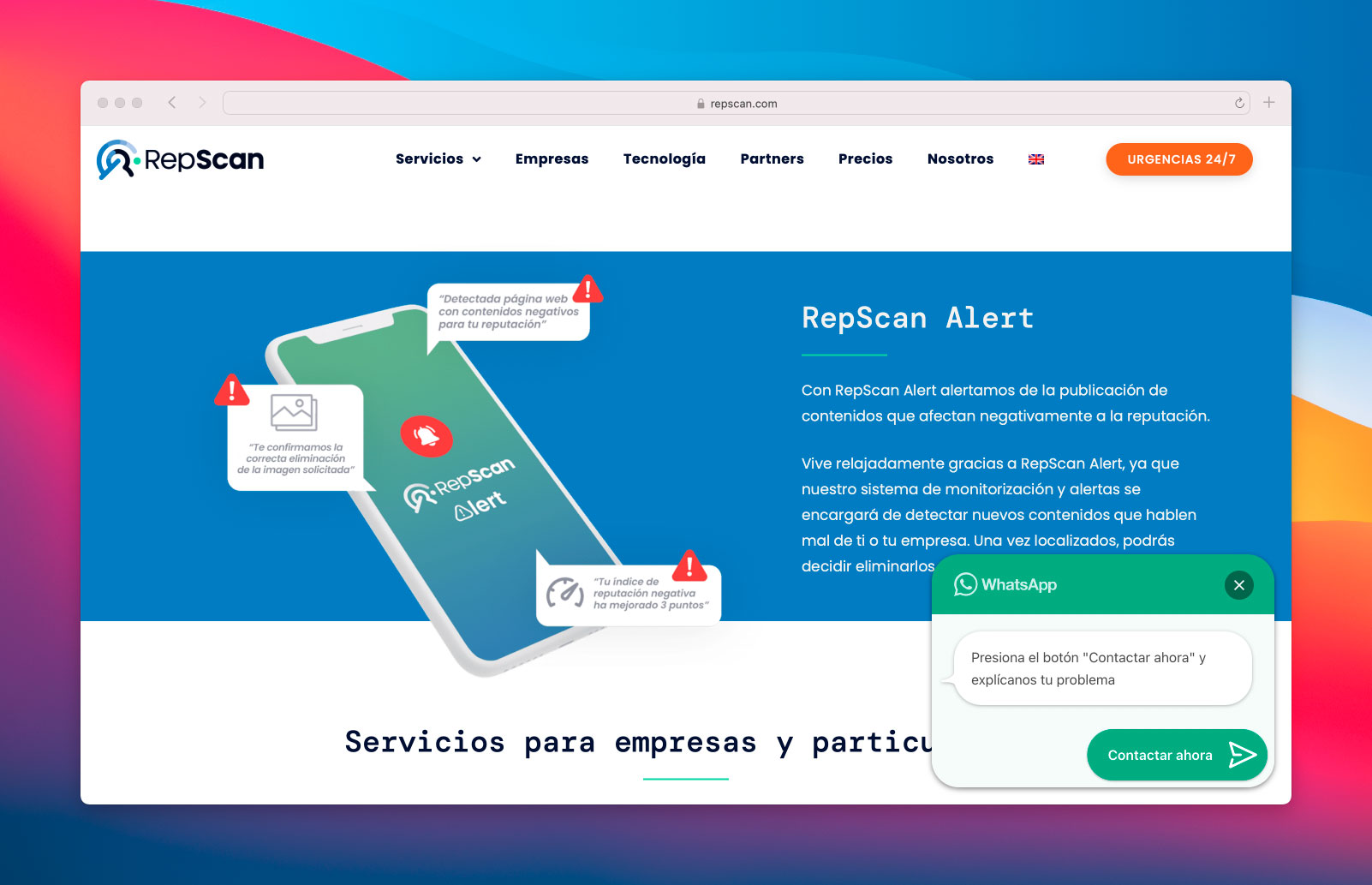
Joinchat is designed to turn conversations into conversions by enabling chat with website visitors through their favorite applications. You can easily place a floating contact button on your site for optimal customer support.
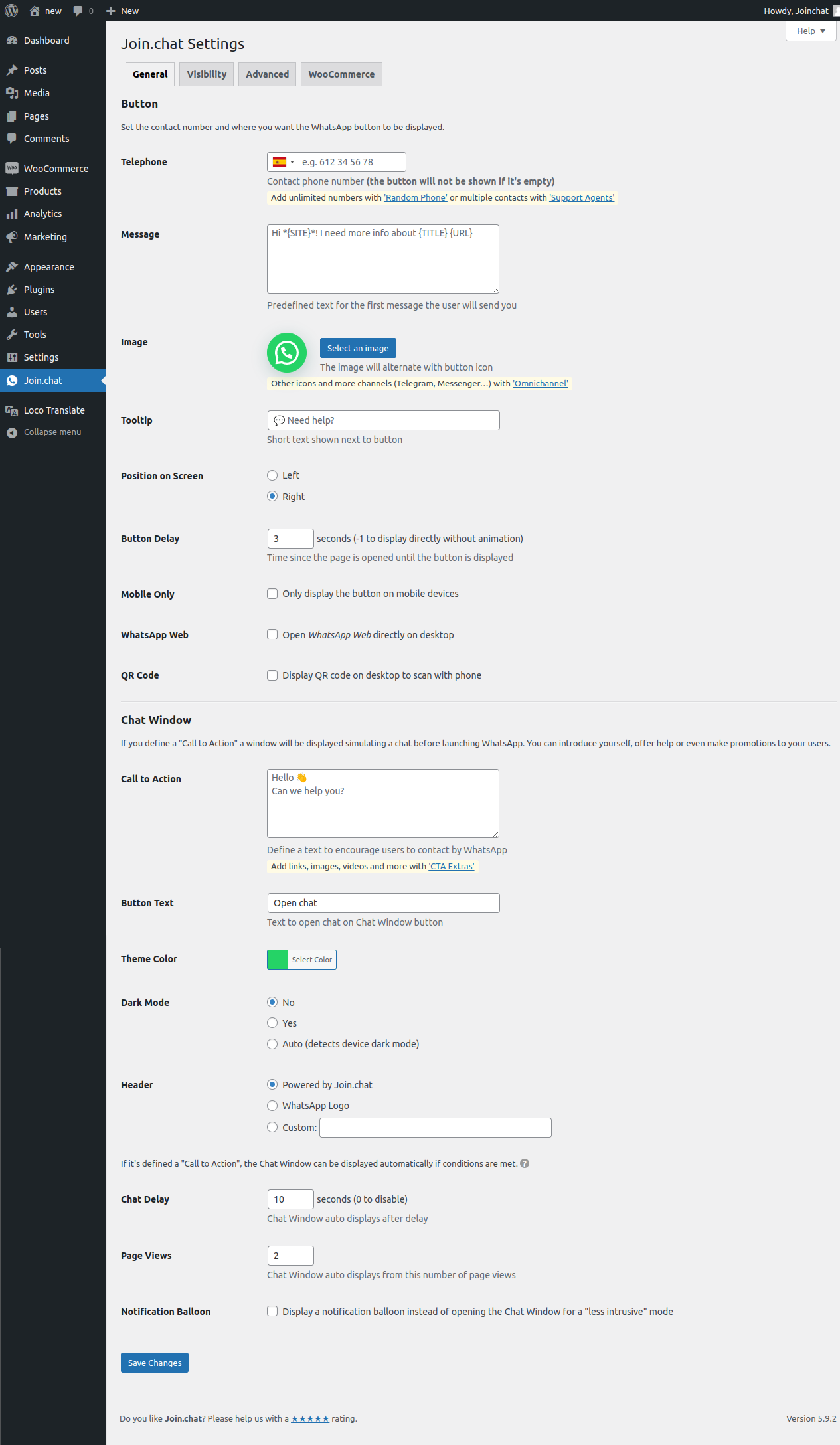
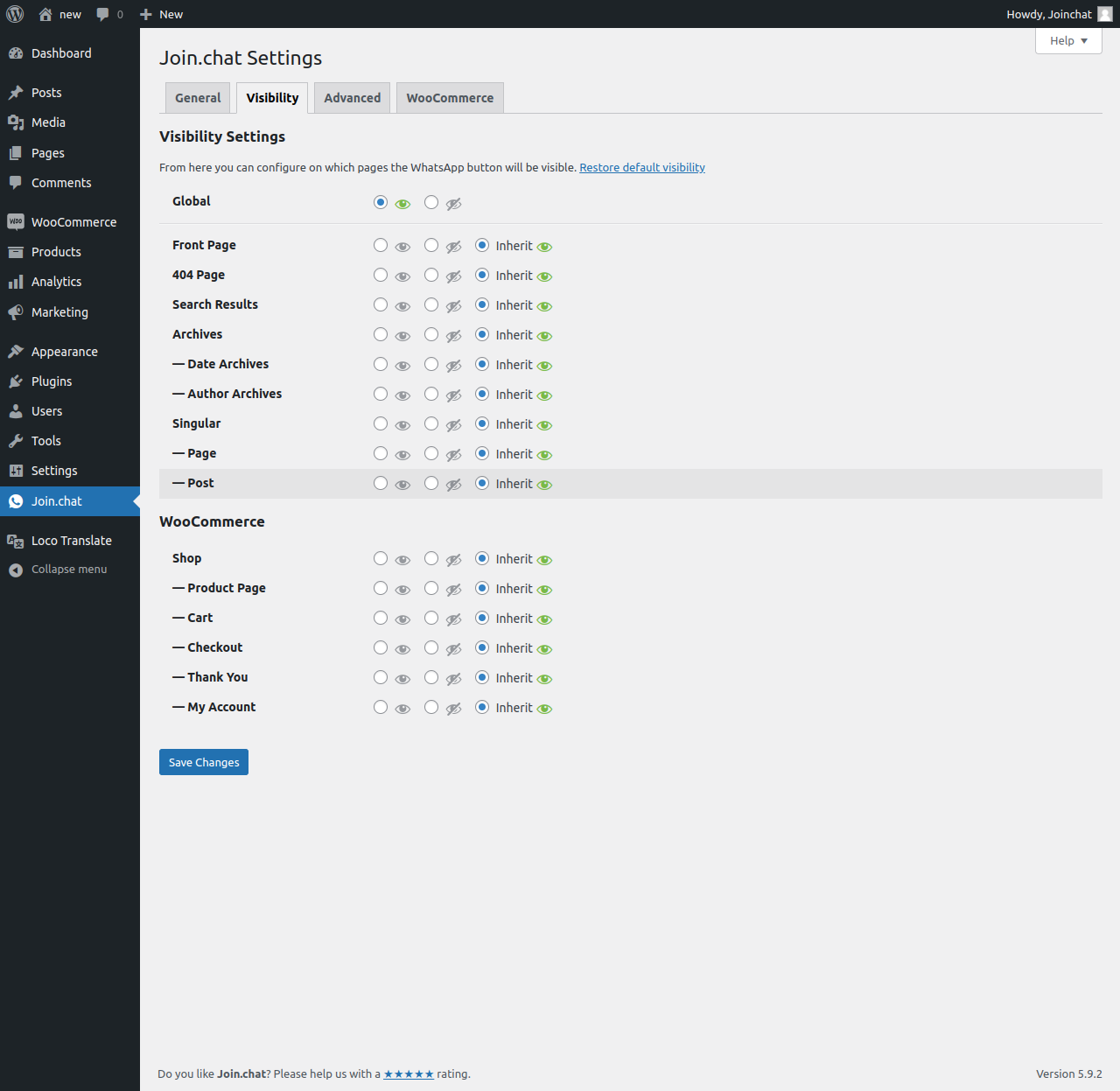
This plugin allows you to set your WhatsApp or WhatsApp Business number, enabling visitors to contact you seamlessly. You can customize the button's appearance, define where it appears, and create enticing call-to-action messages.
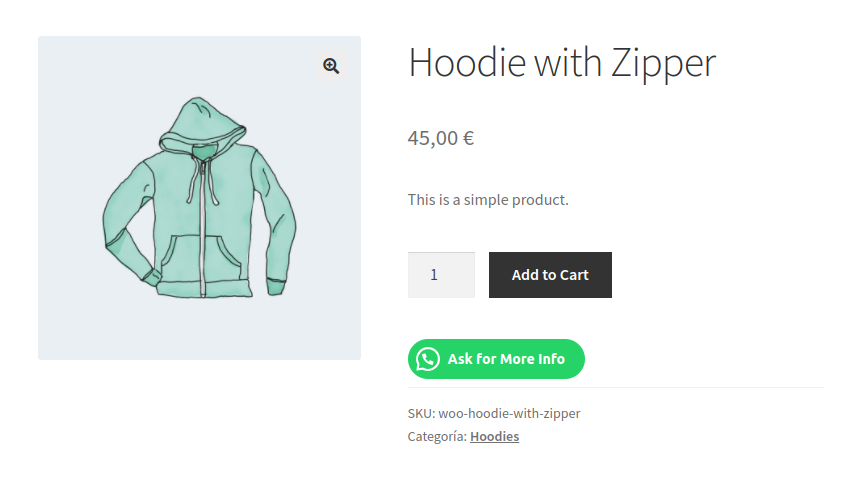
With features like rich chat enhancements, analytics integration, and multi-language support, Joinchat is a powerful tool for boosting engagement and support on your website. It integrates smoothly with WooCommerce, allowing you to add contact buttons directly on product pages.
Other Notable Features
Here are a few other notable features of this free Joinchat plugin.

Screenshots






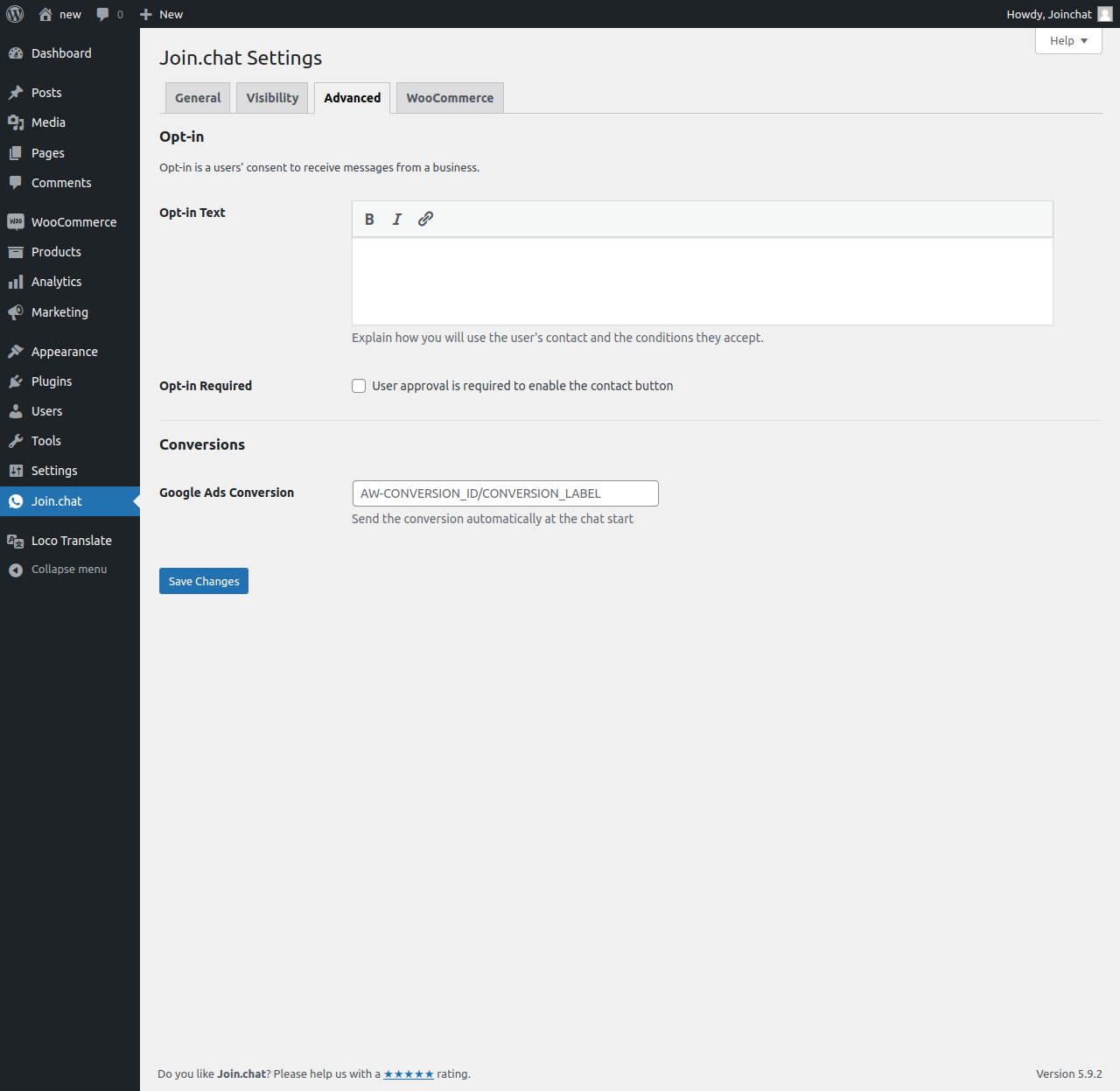
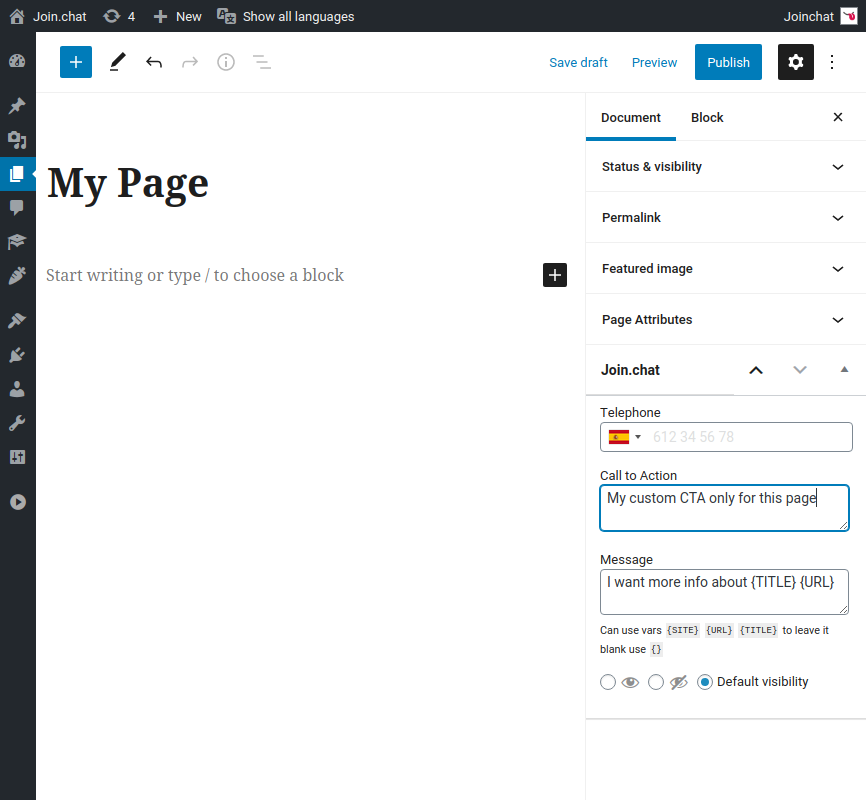
FAQ
You can change the position of the button so that nothing covers it by adding this CSS in Joinchat Settings > Advanced > Custom CSS:
.joinchat { z-index:999999; } Higher values of z-index are above, the default value is 9000.
If you need to move up:
/* always */ .joinchat { --bottom: 60px; } /* mobile only */ @media (max-width: 480px), (orientation: landscape) and (max-height: 480px) { .joinchat { --bottom: 60px; } } Contributors and developers
“Joinchat” is open source software. The following people have contributed to this plugin.


 6.0.8 –

WPS

7.28
Very Good

Ratings
4.7 out of 5 | 189
Version
6.0.10
Last updated
2 months ago
Active installations
700,000+
WordPress version
6.9.4 or higher
PHP version
7.0 or higher
Languages
13Tags
Chat,Facebook Messenger,Floating Button,Telegram,WhatsappOther plugins you might like

WooCommerce
By Automattic
WPS
7.92
Very Good
4.8k+reviews

active installation
Tested with
6.9.4
Akismet Anti-spam: Spam Protection
By Automattic
WPS
7.56
Very Good
1.2k+reviews
active installation
Tested with
6.9.4
Hostinger Reach – AI-Powered Email Marketing for WordPress
By Hostinger
WPS
6.93
Average
3+reviews
active installation
Tested with
6.9.4
Smash Balloon Social Photo Feed – Easy Social Feeds Plugin
By Syed Balkhi
WPS
7.15
Very Good
4.3k+reviews
active installation
Tested with
6.9.4
MC4WP: Mailchimp for WordPress
By Danny van Kooten
WPS
8.17
Very Good
1.5k+reviews
active installation
Tested with
6.9.4
Widgets for Google Reviews
By Trustindex
WPS
7.33
Very Good
2.5k+reviews
active installation
Tested with
6.9.4