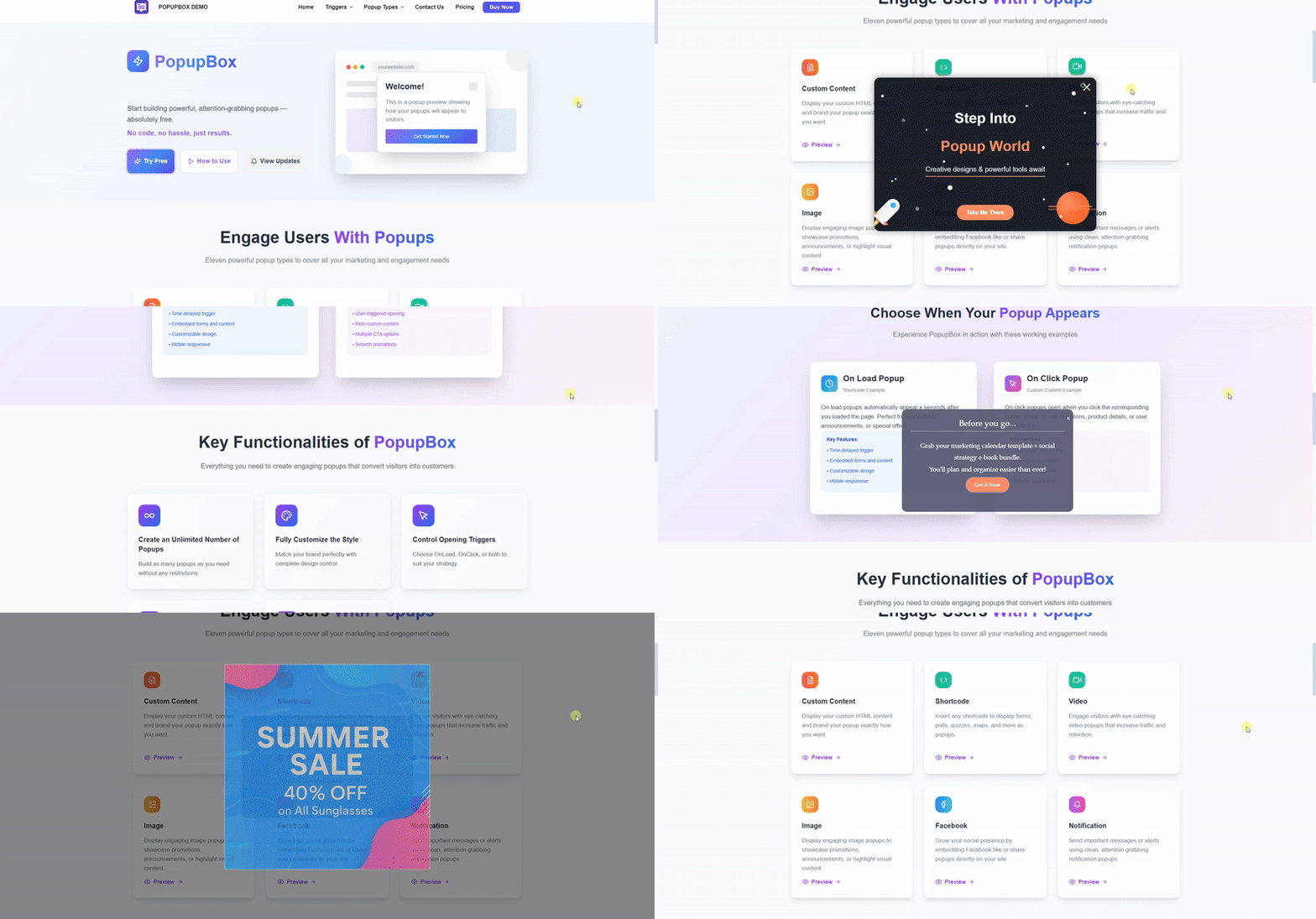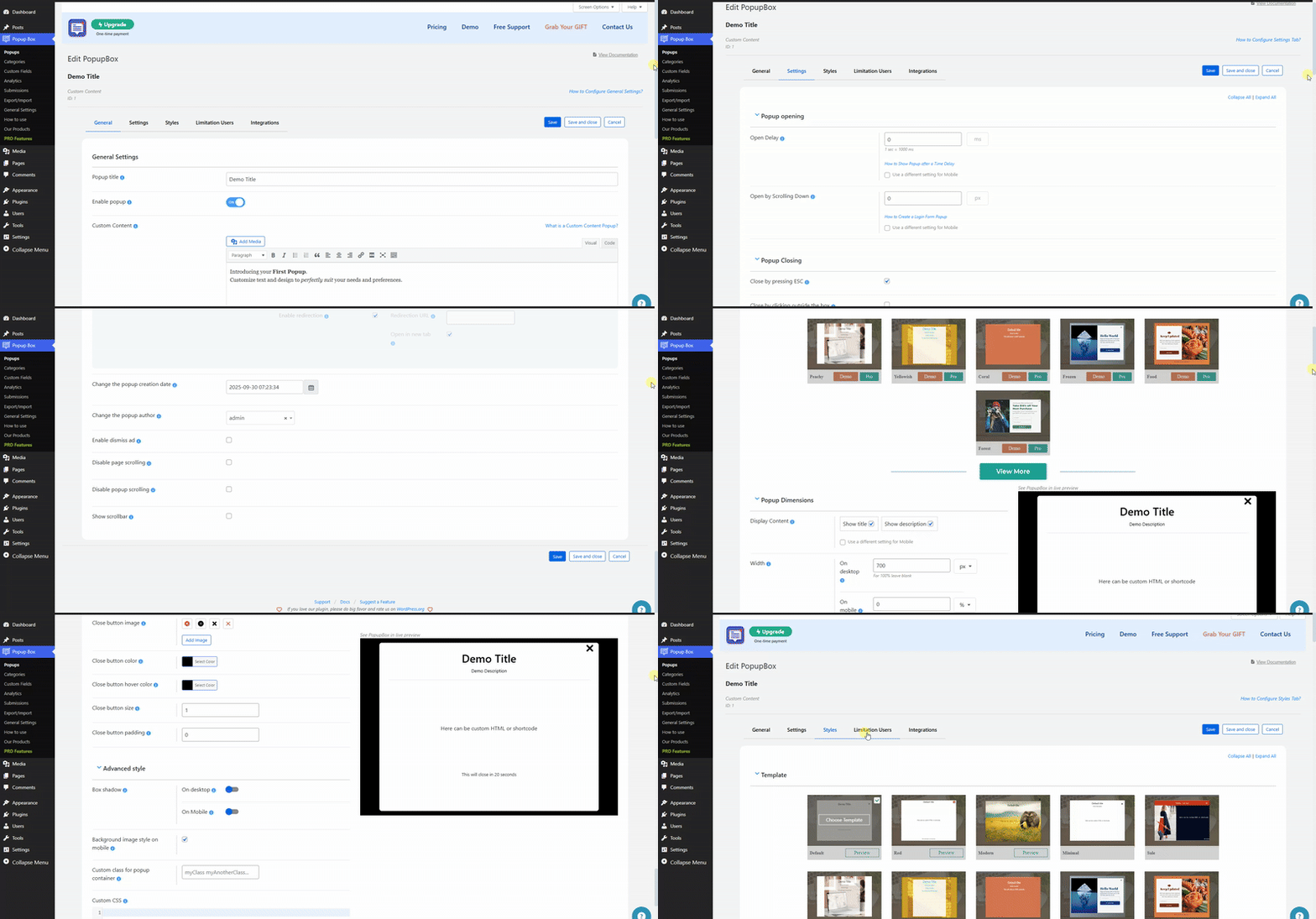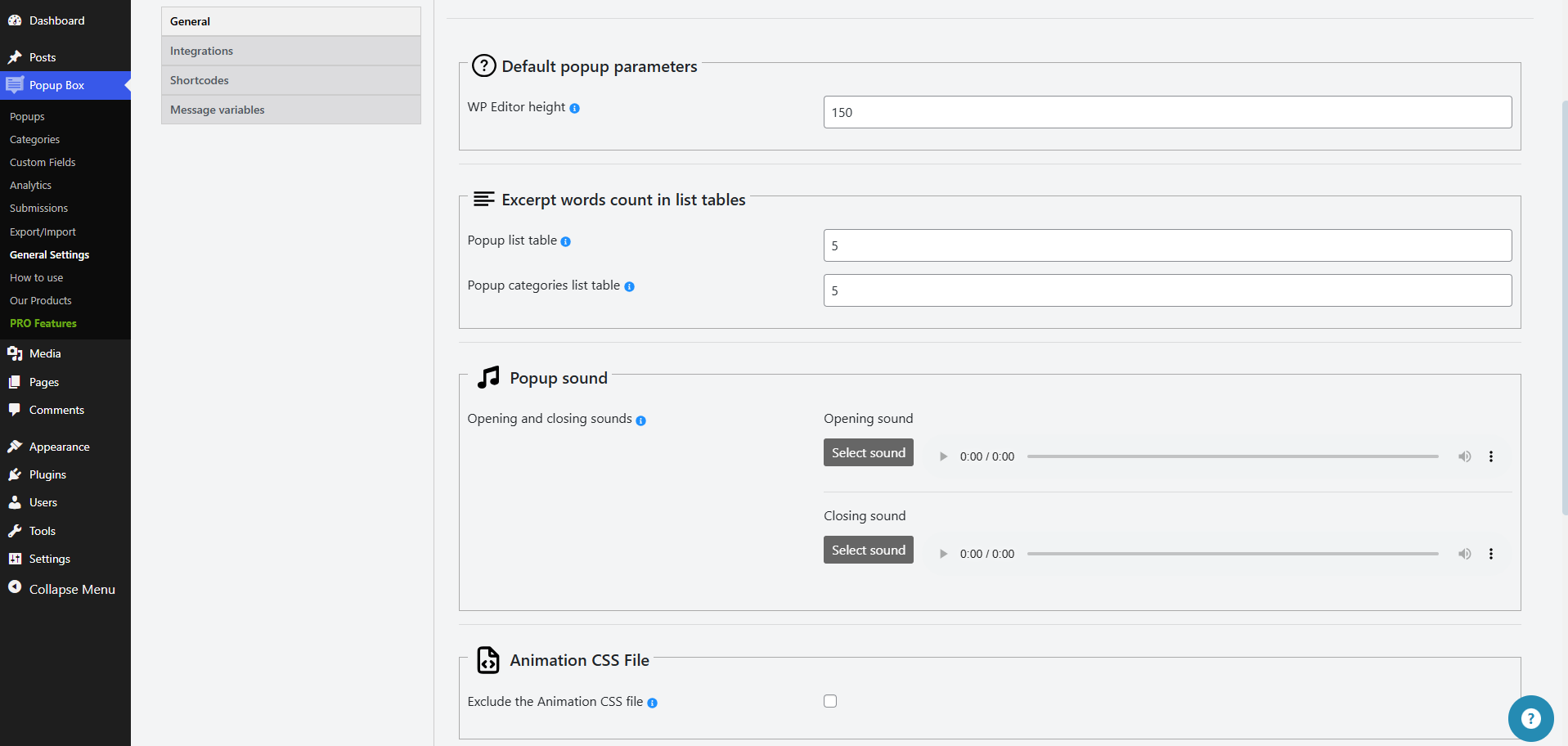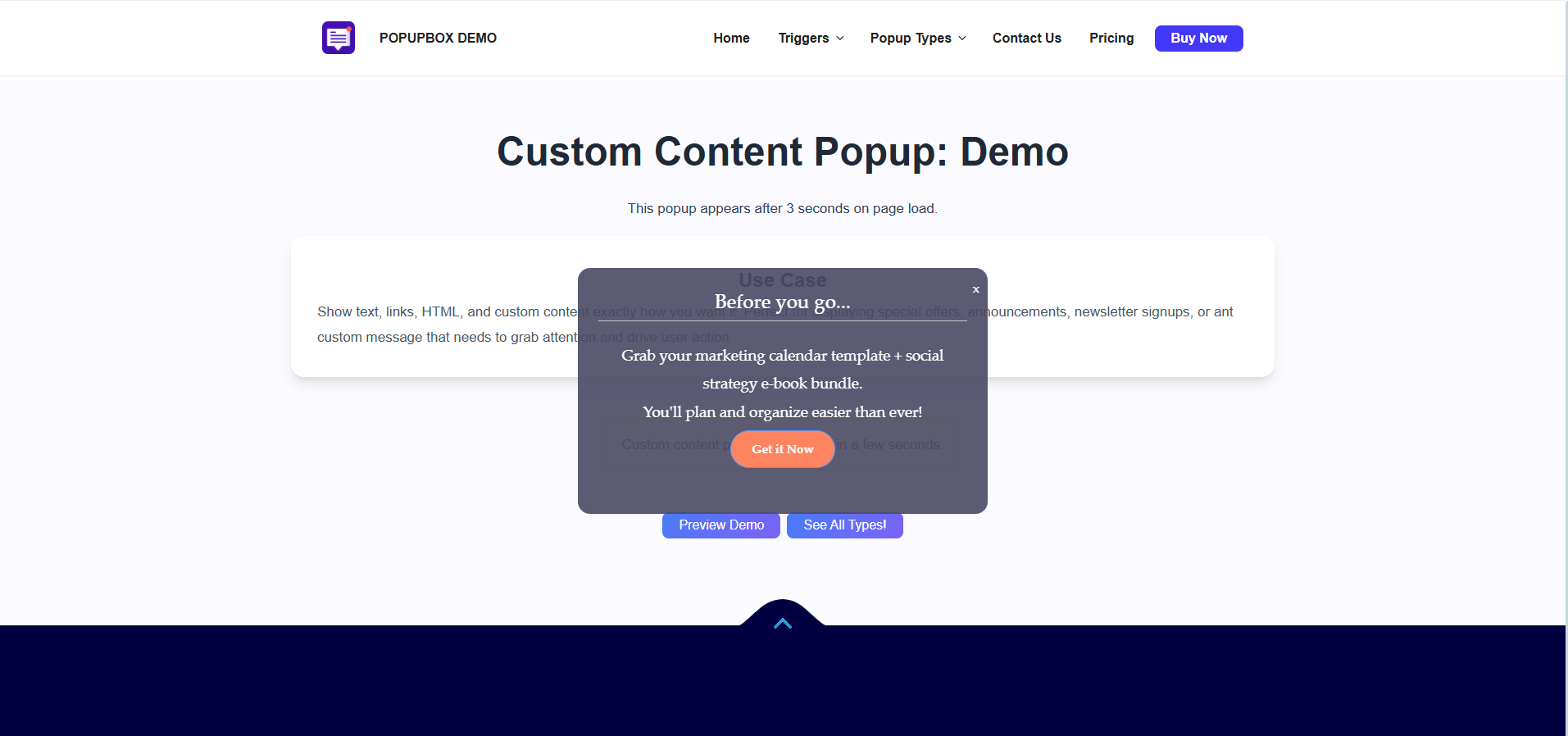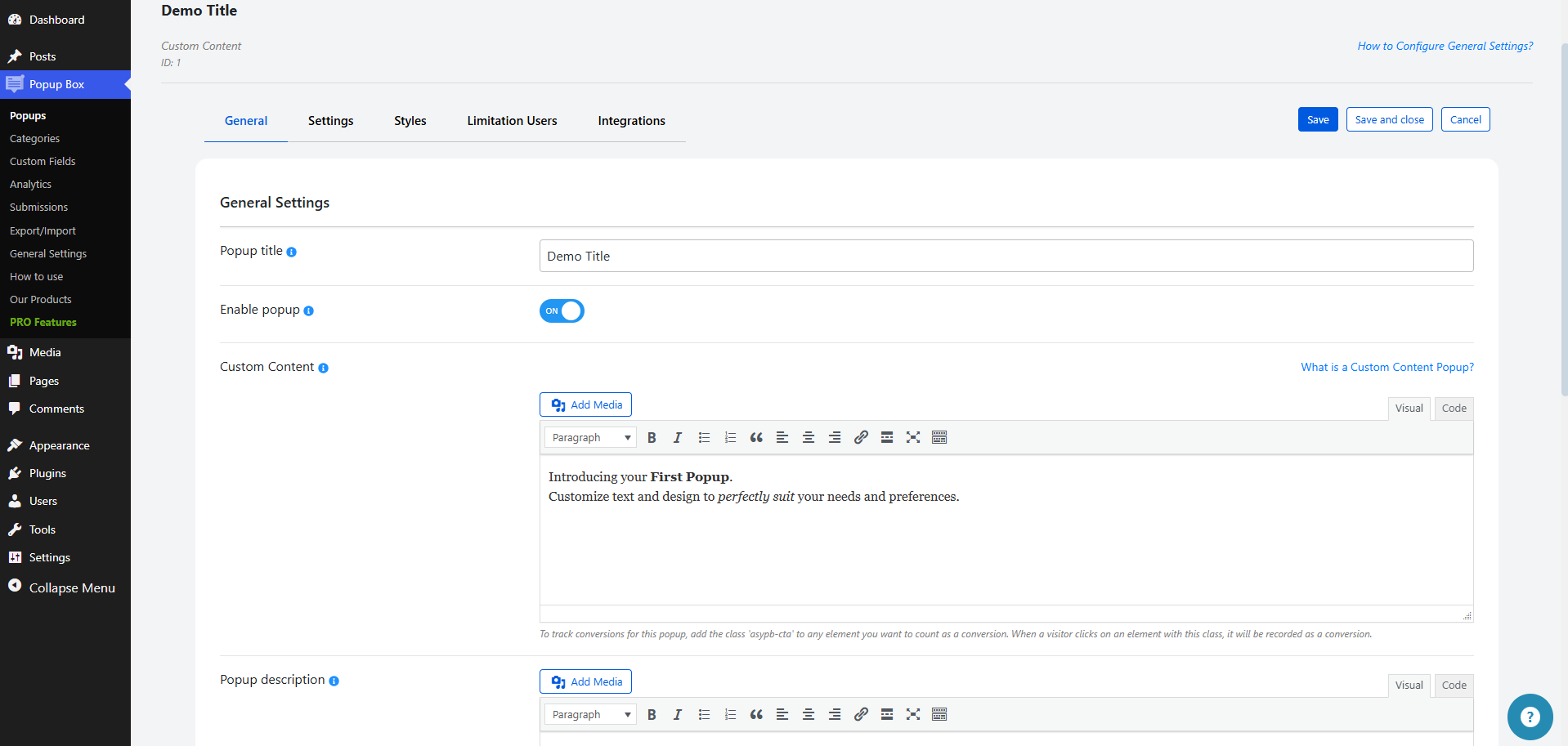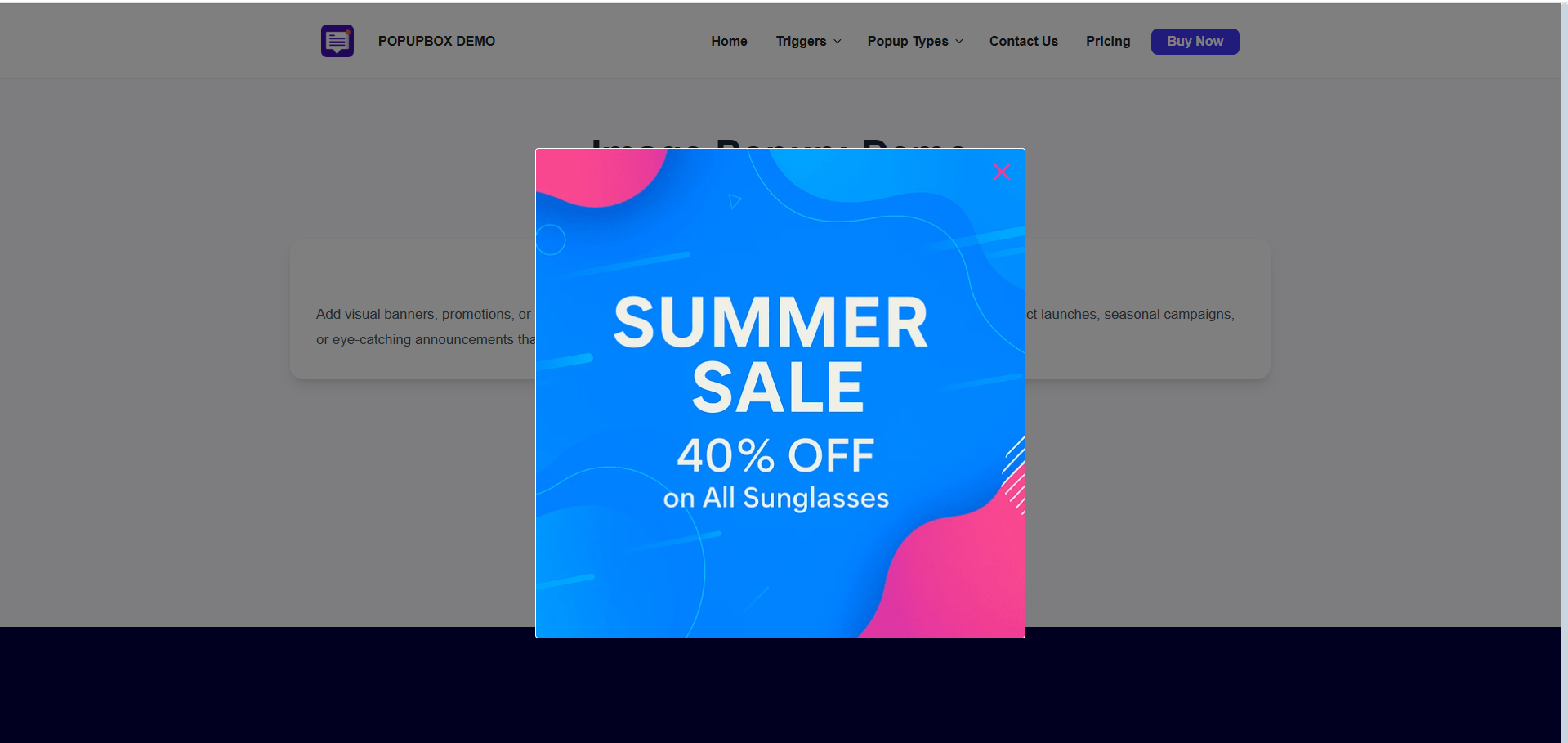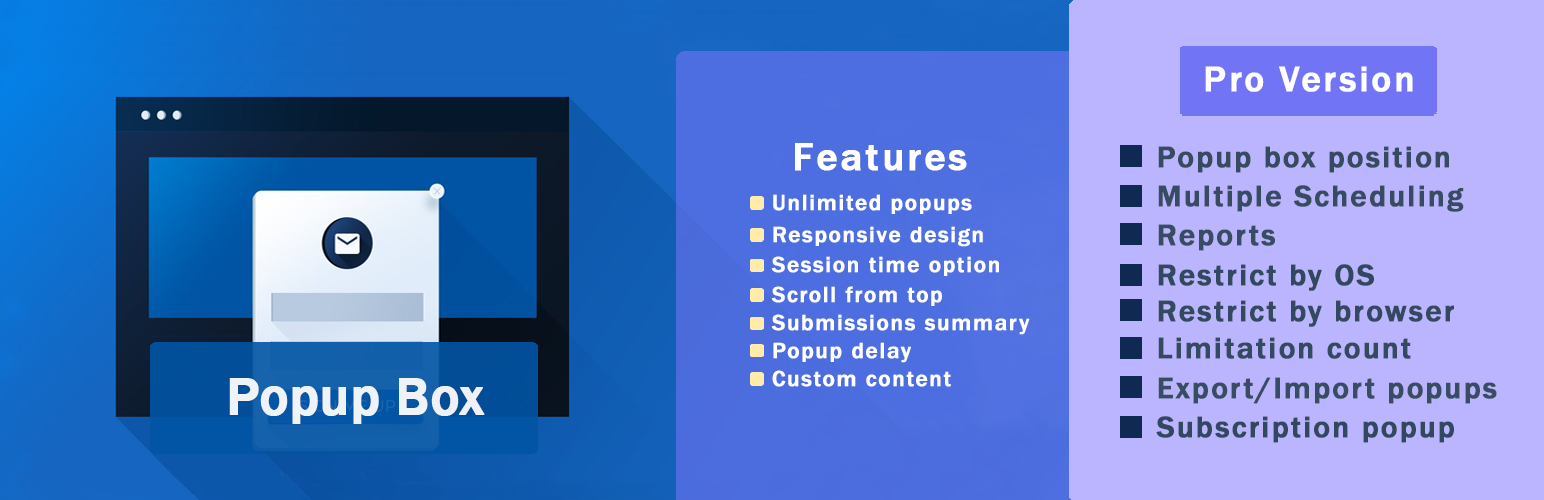

Popup Box is a versatile WordPress plugin that enables you to create various types of popups and modal windows. It offers rich customization options and advanced display controls. This plugin is designed for website owners who need a reliable popup builder, not just a marketing tool.
With Popup Box, you can design popups for content display, user interaction, announcements, forms, or promotions. You have complete control over when, where, and how these popups appear on your website.
The plugin allows you to create a wide variety of modal popups and overlays without limitations, including custom HTML popups, lightbox popups for images and videos, subscription popups, contact form popups, countdown popups, and more. Popup Box is suitable for blogs, business websites, landing pages, and online stores.
Other Notable Features
Here are a few other notable features of this free
Popup Box – Create Countdown, Coupon, Video, Contact Form Popups plugin.
popup builder
modal windows
WordPress popup plugin
Screenshots
FAQ
Unlimited! Incredible, isn’t it? No matter you are a user of the free or premium version, you can create and activate an unlimited number of popups. You can insert several modal popups on a single age, as well as on different webpages. The option is perfect for those who want to target their website visitors differently based on conditions such as the Country they are living in, Browser they are using, so on.
Yep! Now, you might be wondering why should I pop up several popups on the same webpage. Purposes are plenty! Firstly, you can show your subscription forms as soon as the page is loaded, then you can provide your advertising offer after a specified time delay with the help of the Open Delay option. Moreover, you can display a modal when the user clicks on the assigned CSS element(s) such as buttons, titles, and so on.
Sure, by all means! The modals created with our WordPress popup builder plugin fit smoothly and flawlessly on all mobile devices and gadgets. Hurry up and create your first amazing and responsive p form with us!
It is easy as pie! Please go to the General tab of the given modal form, and choose the On-page load variant from the Popup trigger dropdown. After the configuration, your modal form will be displayed oon as the webpage(where it is located) is loaded. And voilà, your amazing WordPress popup is ready!
Simply by enabling the Actions while clicking on the popup option and ticking on the Enable redirection suboption. All you need to do is provide the redirection URL and choose whether open it on a new tab ot – isn’t that amazing!
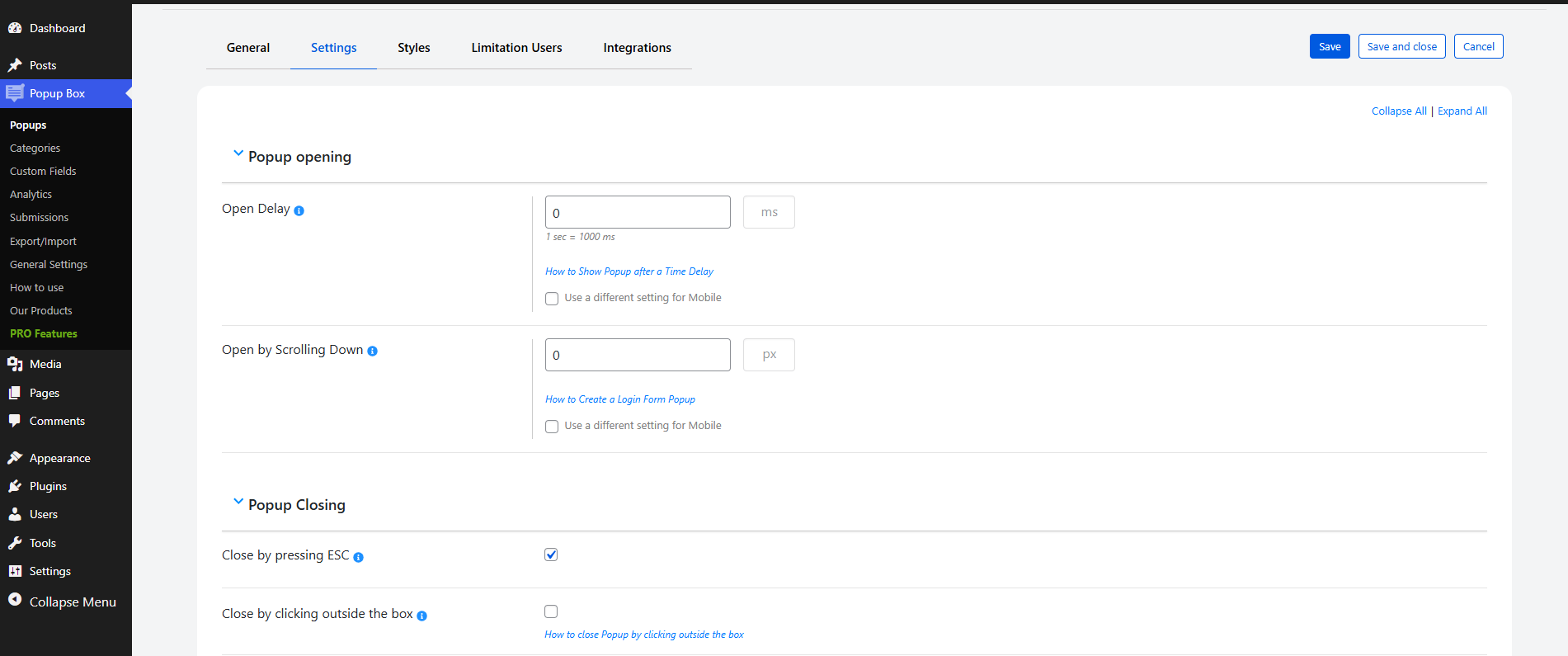
Sure, you can! To do that, you need to go to the Settings tab of the given modal form and enable the Open Delay option. Indicate the time in milliseconds and your modal window will be displayed on the age after that specified time delay. A perfect option for those who want to target only those website visitors who have already spent some determined time on your website.
Yes! Please go to the General tab of the given modal and select the On-click method as a Popup trigger. The modal form will be displayed when the visitor clicks on the specified CSS element(s). Assign element with the help of the CSS selector(s) for trigger click option. Isn’t it therefore fair to say that our Popup Maker plugin is the #1 best WordPress popup plugin?
Of course, you can! To do that please go to the Settings tab of the given popup, scroll a little bit and enable the Autoclose Delay (in seconds) option by giving a value to it. Indicate the time in seconds your WordPress popup will be closed after that specified time delay.
Yep! Display any form within your modal window such as contact form, quiz, poll, survey and etc. You just need to choose the Shortcode type while adding a new modal and paste the shortcode on the esponding field. Make your website more flexible!
As you read each word of this page you have already known that the possibilities with the pro package are plenty. Aside from that, one thing’s certain, the super-quickly support team is behind your back and idered a significant component of your purchase. The decision is totally yours!
Simply and effortlessly! Either you are switching from the free to pro, or the latest version of the pro to the newest one, all your settings/configurations will remain unchanged. In a word, you just need to k on the Upgrade button while deactivating the plugin from the Plugins section of your WP website. Please check out this detailed tutorial of the Popup Box WordPress plugin.
Contact us! Either write on our FREE support forum or reach out to use with our contact form. Either way, our ful customer care specialists will contact back you quickly and will do their best to satisfy all your needs.
This is not even a question! Surely, you can customize the best popups the way you wish. Choose one of our premade themes, change the background color, image, text, and everything that you can think of. Can’t anything of your taste? You are free to add your custom CSS code to get your preferred design.
Please make sure the cache is not generated on the page where the plugin is enabled, before contacting the Support Team. Clear all the caches. If you are using a Cache plugin, then make sure that it does not store a strong cache and that the webpage where the plugin is enabled does not become static(HTML). Check whether the Deactivate PHP cache is ticked from the settings of the cache plugin or not. If yes, then please deactivate it.
No matter whether you are a guest or a logged-in user. The code works in the same way in both cases.
The same is about the mobile version. You can disable the cache-generating process by deactivating the option from the cache plugin (if it has one). After clearing the caches, try to check the case with either the Incognito mode or another browser/device.
Contributors and developers
“Popup Box – Create Countdown, Coupon, Video, Contact Form Popups”
is open source software. The following people have
contributed to this plugin.
I took over management of a site that used this plug in and their customer service was very responsive and helped me figure out how it works and worked out some kinks from the previous set up. Would definitively recommend.
liveolives
February 26, 2026
|
Great Plugin!
This is a great plugin,
ic0ach
January 7, 2026
|
Great plugin!
It works flawlessly, meets all expectations, and is very intuitive to use. The team behind its development is extremely helpful, they respond quickly to questions and provide professional support. I highly recommend it to anyone looking for a reliable solution!
I took over management of a site that used this plug in and their customer service was very responsive and helped me figure out how it works and worked out some kinks from the previous set up. Would definitively recommend.
liveolives
February 26, 2026
|
Great Plugin!
This is a great plugin,
ic0ach
January 7, 2026
|
Great plugin!
It works flawlessly, meets all expectations, and is very intuitive to use. The team behind its development is extremely helpful, they respond quickly to questions and provide professional support. I highly recommend it to anyone looking for a reliable solution!
I took over management of a site that used this plug in and their customer service was very responsive and helped me figure out how it works and worked out some kinks from the previous set up. Would definitively recommend.
“Popup Box – Create Countdown, Coupon, Video, Contact Form Popups” has been translated into 9 locales. Thank you to the translators for their contributions.