
All-In-One Security (AIOS) is a top-rated WordPress security plugin from the trusted team behind UpdraftPlus. It offers a wide range of features to keep your website safe and secure.
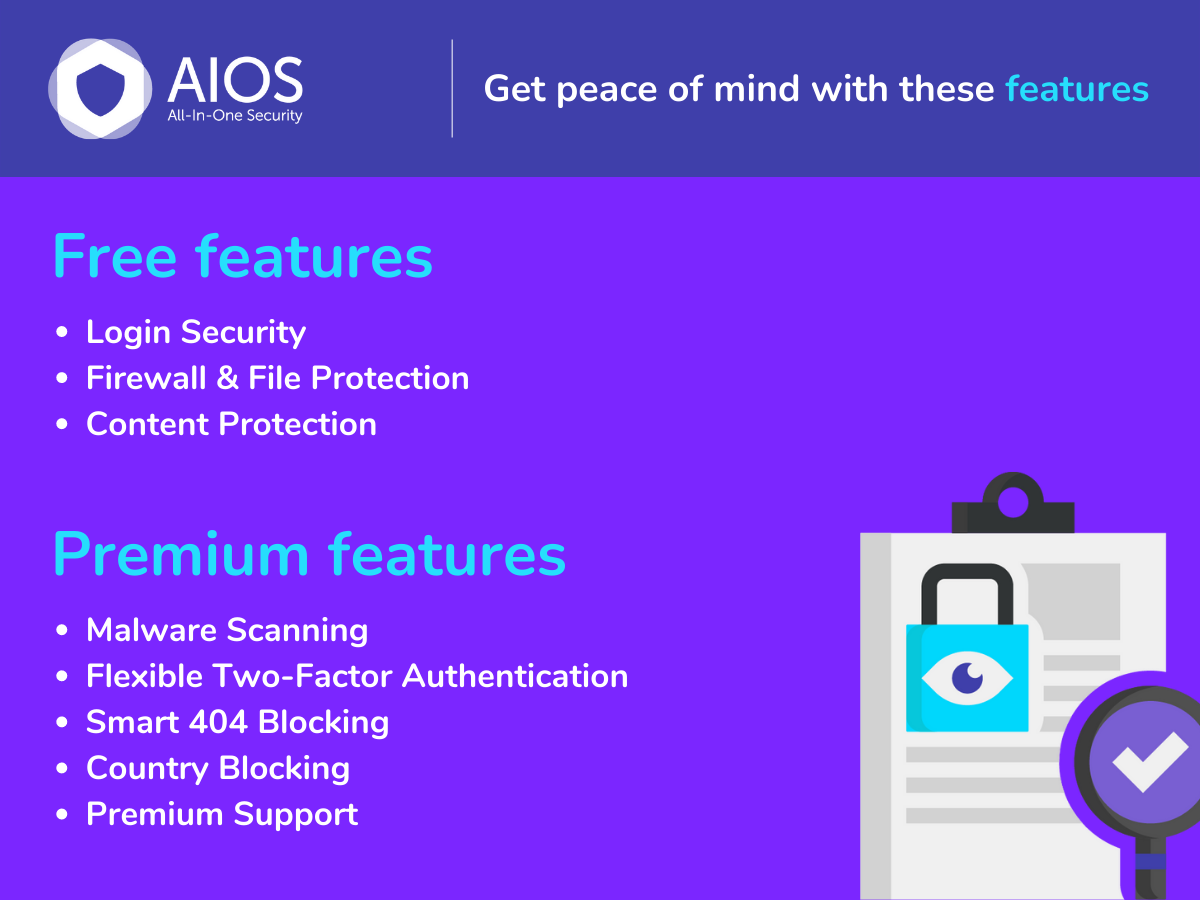
This plugin includes login security features to protect against unauthorized access, file and database security to monitor and safeguard your critical data, and a robust firewall to block malicious traffic. Additionally, it helps prevent spam comments and provides an audit log to track activities on your site.
AIOS is suitable for both beginners and experts, guiding users through its features with clear explanations. With a strong support team available, users can get assistance quickly for any queries. Upgrade to AIOS Premium for even more advanced security options.
Other Notable Features
Here are a few other notable features of this free
All-In-One Security (AIOS) – Security and Firewall plugin.
All-In-One Security
WordPress security
login security
firewall
malware scanning
two factor authentication
spam prevention
Screenshots
FAQ
Customers of ‘Free’ AIOS can get support from this very webpage. Select ‘Support’ from the tabs above and post a topic. We aim to respond to all support requests within 24 hours during the working week.
Yes. AIOS works smoothly with most popular WordPress plugins.
Yes. WordPress Security is something that evolves over time. We update AIOS with new security features (and fixes if required) on a regular basis so you can be assured that your site will keep benefitting from new security protection techniques for as long as you need them.
No.
The decision is yours to make. ‘Free’ AIOS incorporates a web application firewall, comprehensive login security tools including two-factor authentication and all the latest recommended WordPress security practices and techniques. But if your WordPress site is a business website, if it showcases what you do, or who you are, we generally recommend AIOS Premium. Prices start from as little as $70 for the year.
AIOS Premium scans your WordPress website for malware whilst also monitoring your site’s response time and uptime, notifying you of any issues within 24 hours, AIOS Premium customers also benefit from hands-on ticketed support via email (rather than via WP Support forums). Additional security tools include Country Blocking, Smart 404 Error Blocking and Advanced Two Factor Authentication. More information is available from our All-In-One Security website More information is available from our All-In-One Security website
In the web shop, purchase your preferred subscription. After completing the purchase, you will be emailed a link to download the plugin. You can also access the link through your “My Account” page. After downloading the zip file, install and activate the plugin through WP Admin->Plugins->Add New->Upload Plugin. The premium extends the free version. Therefore you should keep the free version installed and active. You will also be prompted to enter your AIOS username and password to connect your site to licenses. This will allow the plugin to receive updates.
Yes, you need to have the free version of the plugin installed and activated before installing Premium. Premium plugin is an add-on that requires the free version to be present.
Yes, AIOS Premium is compatible with WordPress multisites. For multisite networks, the protection will apply to the network as a whole, and the dashboard and options will be available on the main site of the WordPress multisite.
There is no 100% guarantee that a security plugin will be able to protect against all attacks, as there is always the possibility of unknown WordPress vulnerabilities or other unexpected factors, and attackers are always seeking to develop new ways around protections. However, All-In-One Security gives good protection against known attack methods, and is under continuous development to monitor and improve protections.
AIOS should be compatible with most hosts, unless the host has specifically restricted the use of security plugins. Similarly, certain features may not work on some servers, especially Windows/IIS platforms. Features that use the ‘.htaccess’ file will not apply on a Windows IIS server or NGINX server (but development is ongoing to port those protections to all servers).
Development and test sites require their own licence if updates to the plugin are needed. However, these sites can be disconnected from the licence when they have served their purpose. You can disconnect the licence via the site’s WP Admin->Plugins page, and it will be available to be reassigned to a different site.
Please read more about GDPR compliance here: https://teamupdraft.com/privacy/ . Please read more about GDPR compliance here: https://www.teamupdraft.com/privacy?utm_source=aios-wp-dir&utm_medium=referral&utm_campaign=plugin-dir&utm_content=gdpr&utm_creative_format=faq.
Contributors and developers
“All-In-One Security (AIOS) – Security and Firewall”
is open source software. The following people have
contributed to this plugin.
this is a good security plugin i use it in some of the sites, and so far is been great,i recomment each setting on its interface as an explanation so it makes it ver easy to understand, i have few sujestions for example it will be nice that when im using bricks builder and i have the force logout enabled lets say im editing andthe force logout kicks in then when i want to save my design after login in again it force me to refresh the browser making it bad for things that i already made in bricks, and also lets say for some reason i forgot the custom login url tere should be some how i can recover the link and also when i have trouble login in, but other than that is a great plugin. recommend it.
axengine
January 17, 2026
|
Great support for GDPR related questions
Support team was providing useful information for building my privacy policy
wpandlpuser
January 23, 2026
|
Great Plugin with great support
A five star plugin. It helps us keep our sites secure. It has very detailed settings for multiple parameters, from basic things like changing the URL for accessing the admin panel to more complex options like default and custom firewall rules. Every WordPress installation should have this extension.
I’m using for a long time and absolutely satisfying with the service.
camposrodrigues
March 23, 2026
|
reCaptcha issue
The plugin has been great, until recently, and this is totally NOT your fault! When Google moved reCAPTCHA into its Cloud infrastructure, some of the keys must have become corrupted. With AIOS installed, the reCAPTCHA fails on the log in page, and there is no way to get around it. So went into cPanel > File manager and followed all of the instructions at teamupdraft.com/documentation/all-in-one-security/faqs/remove-aios-plugin/ I tried this MULTIPLE TIMES!!! And every time, when I went to reinstall AIOS, I would immediately get locked out of my website. *sigh* Years ago, there was a plugin that would wipe all security data from the website, but that was before team updraft bought AIOS, so I am hesitant to use that old wipe plugin. Can you help with this somehow? Or I will be forced to look elsewhere for a security plugin, and I’m VERY happy (and familiar) with yours! Sincerely, -RMWebElements
RMWeb Elements
March 20, 2026
|
2 replies
Really love it.
Just love the level of security it provides to the website just for free! and how easy it is to use
I’m using for a long time and absolutely satisfying with the service.
camposrodrigues
March 23, 2026
|
reCaptcha issue
The plugin has been great, until recently, and this is totally NOT your fault! When Google moved reCAPTCHA into its Cloud infrastructure, some of the keys must have become corrupted. With AIOS installed, the reCAPTCHA fails on the log in page, and there is no way to get around it. So went into cPanel > File manager and followed all of the instructions at teamupdraft.com/documentation/all-in-one-security/faqs/remove-aios-plugin/ I tried this MULTIPLE TIMES!!! And every time, when I went to reinstall AIOS, I would immediately get locked out of my website. *sigh* Years ago, there was a plugin that would wipe all security data from the website, but that was before team updraft bought AIOS, so I am hesitant to use that old wipe plugin. Can you help with this somehow? Or I will be forced to look elsewhere for a security plugin, and I’m VERY happy (and familiar) with yours! Sincerely, -RMWebElements
RMWeb Elements
March 20, 2026
|
2 replies
Really love it.
Just love the level of security it provides to the website just for free! and how easy it is to use
I have had this installed a long time and never touched it but the moment I went to check a setting as I started to suspect this thing is really slowing down my site and blocking actual Google bots, POOF locked out for no reason without even doing anything.I am a tech guy. Not some blundering noob. This was just random.Obviously just rename the plug-in folder to get back in but that does not fix anything in the long run. Now I am worried uninstalling it will leave behind a huge mess.So I come here to see answers in other threads and resolve it myself and I see this happens all the time and instead of helping people by posting solutions, they demand you open a ticket in some secret back channel which no one has time for with their websites so this is GONE.You guys should have helped everyone else and I would have gotten a quick answer there and carried on without flaming your trash plug-in and bad support.So because there are no answers here, this is slowing me down, locking me out and possibly destroying my SEO, BYE FELICIA.
mobber79
November 5, 2025
|
1 reply
Clean & Helpful
Using All-In-One Security for a bit now. It explains things clearly and helps secure the site without hassle. Not too advanced, but perfect for regular users. Works fine. 👍
Malia
January 22, 2026
|
1 reply
Excelent plugin
I’m using for a long time and absolutely satisfying with the service.